Sample work
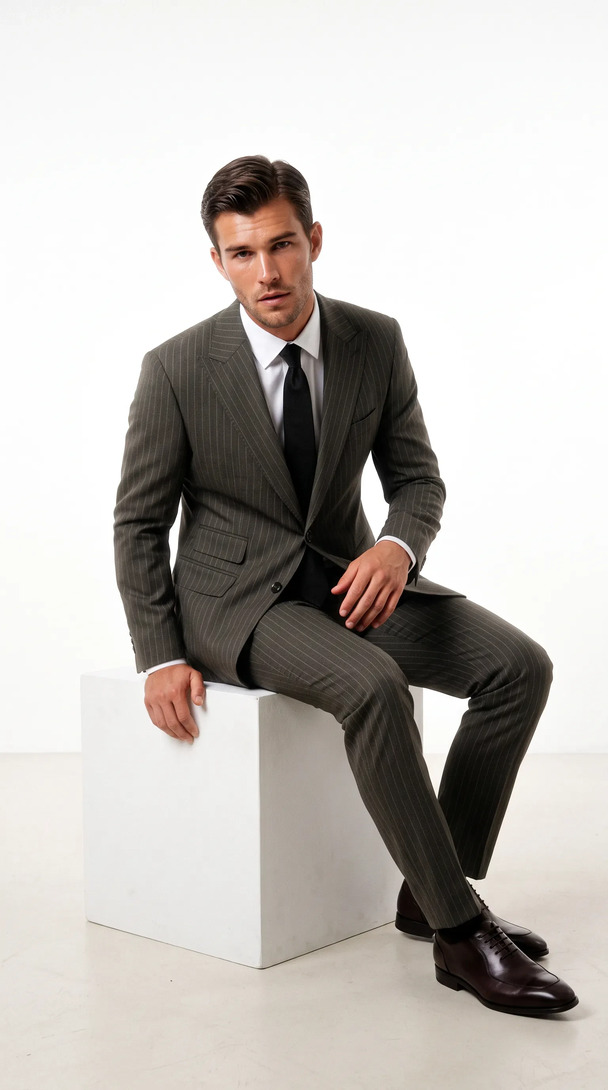
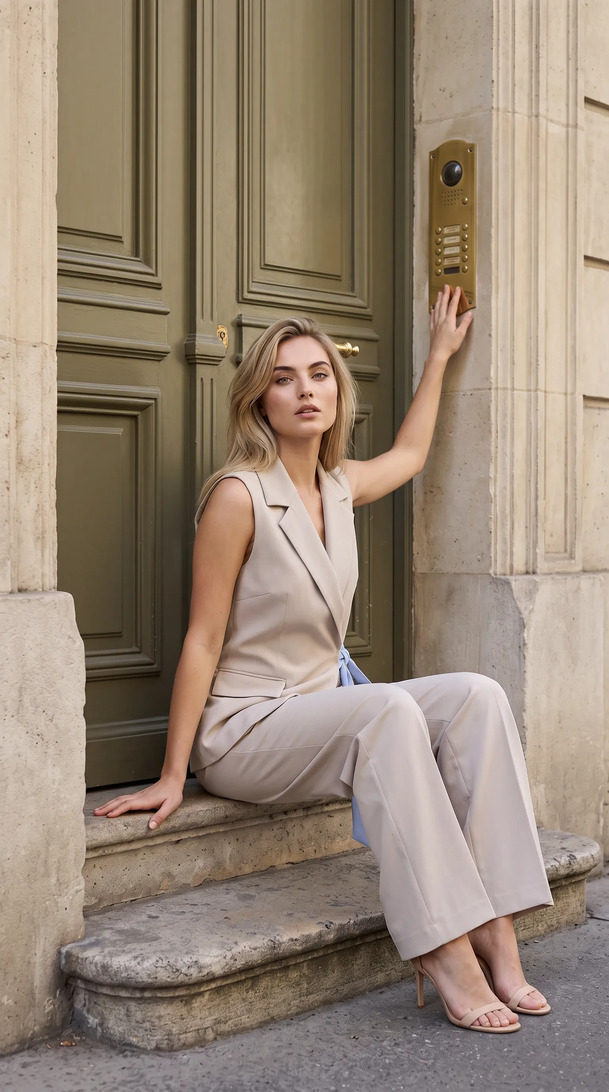
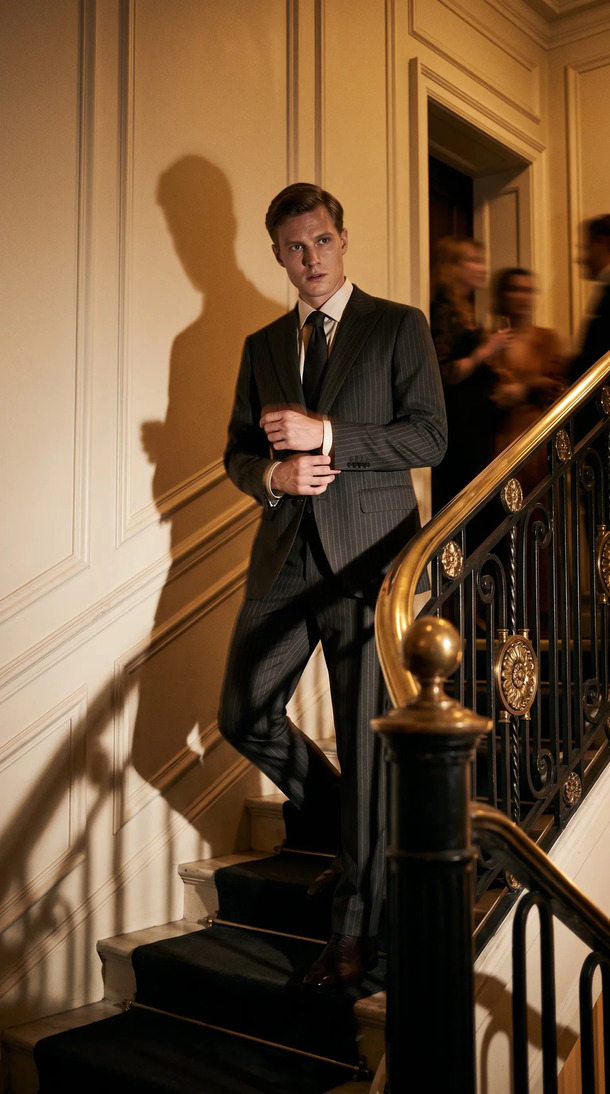
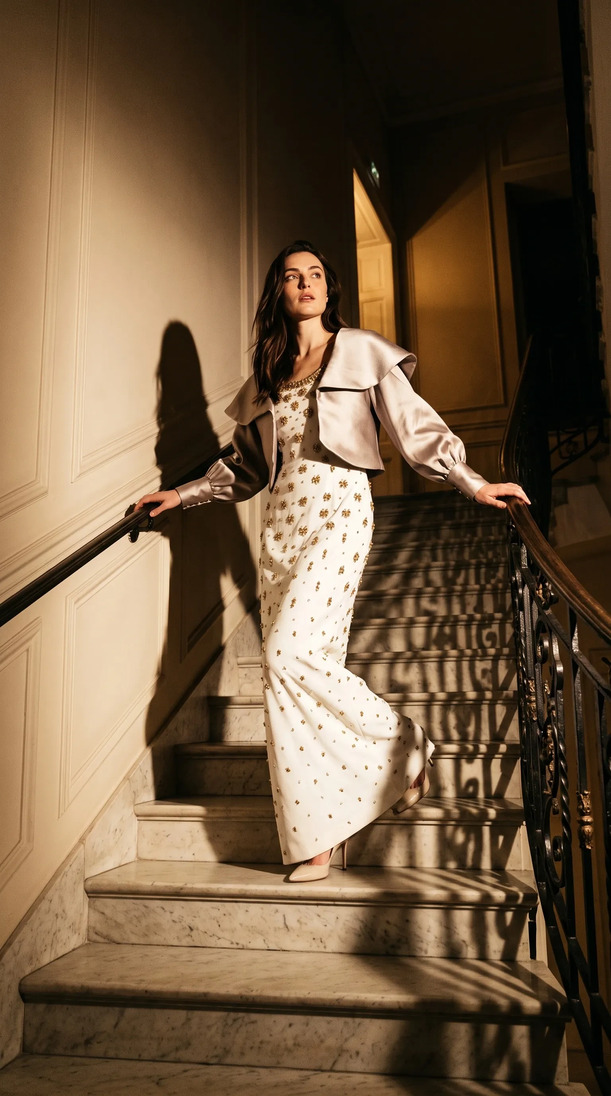
Fourteen labels, thirty-six frames, from the photos they already had.
In one Kayrae session in September 2026, the existing e-commerce packshots of fourteen fashion labels were turned into 36 on-model campaign frames. No studio, no models, no location: every frame on this page was generated by Kayrae, the AI fashion photography platform, from one product photo per garment.
The session
The session in numbers
- Input
- One existing e-commerce packshot per garment: the garment on a plain background, no model
- Labels
- 14 fashion labels across tailoring, outerwear, knitwear, dresses and denim
- Frames returned
- 36 in total: 14 selects, plus alternates, detail crops and half-resolution drafts
- Scenes
- 14, one per label; no two labels share a scene
- Studio days, models cast, locations scouted
- 0
- Output formats
- Stills at up to 4K; film in 9:16 and 16:9
The selects
One packshot in, one campaign frame out
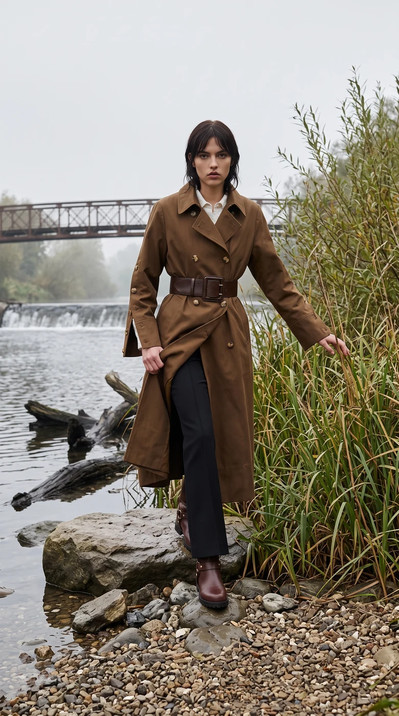
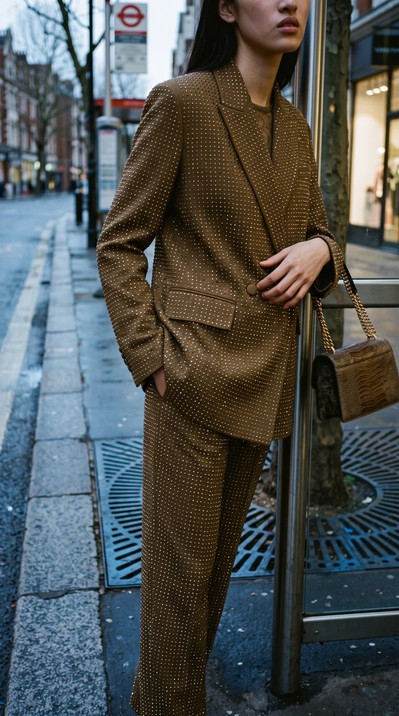
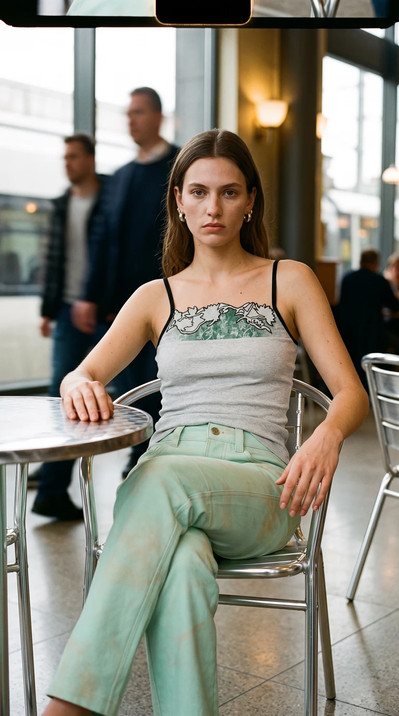
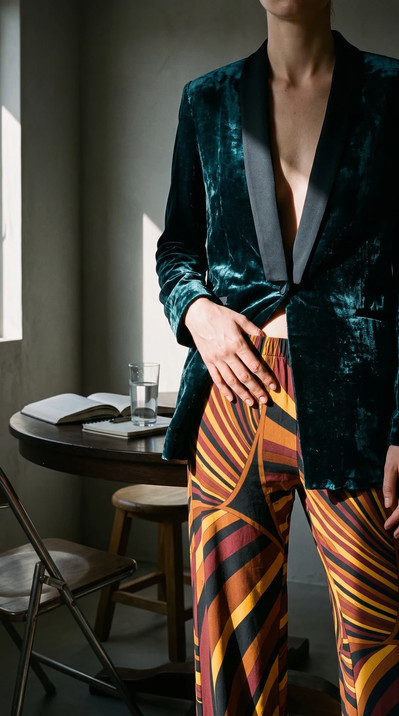
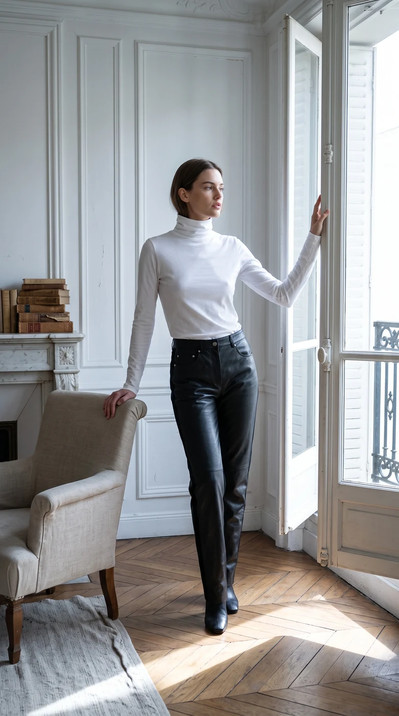
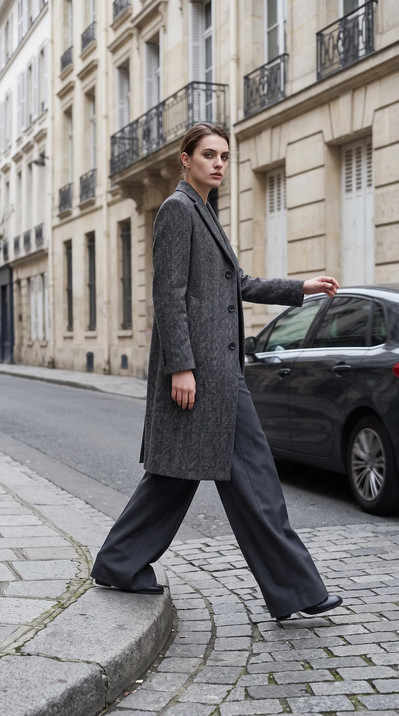
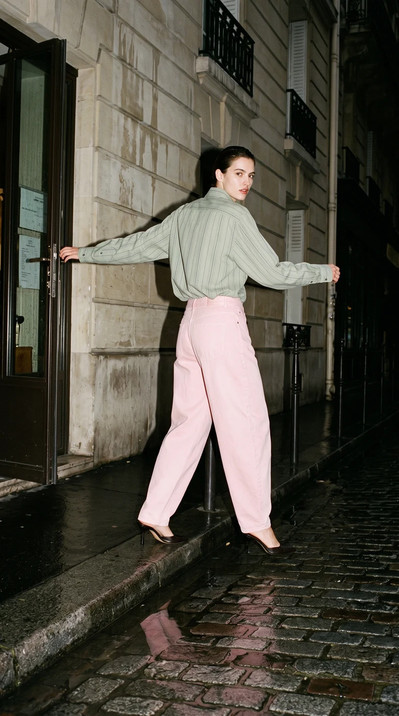
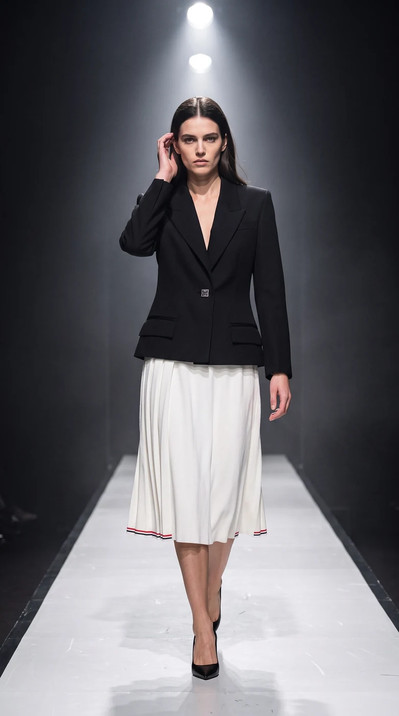
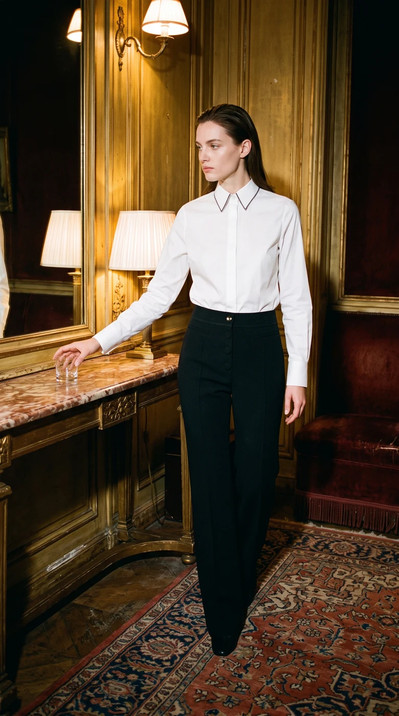
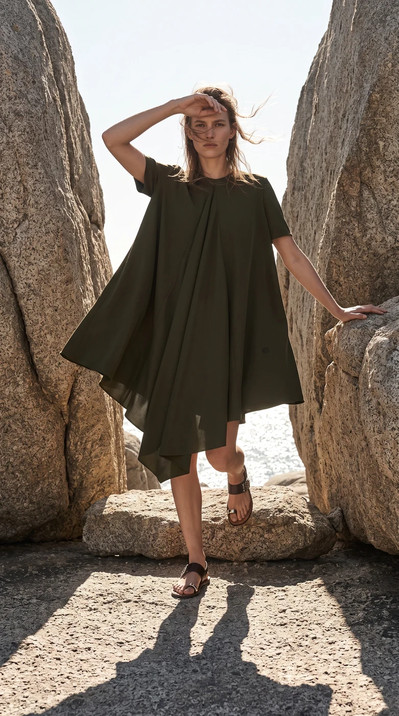
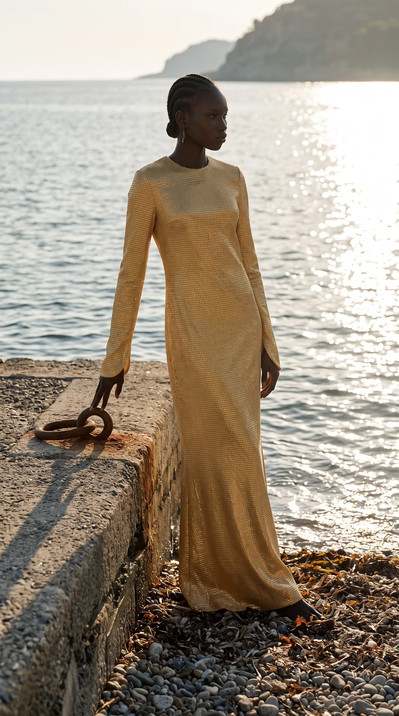
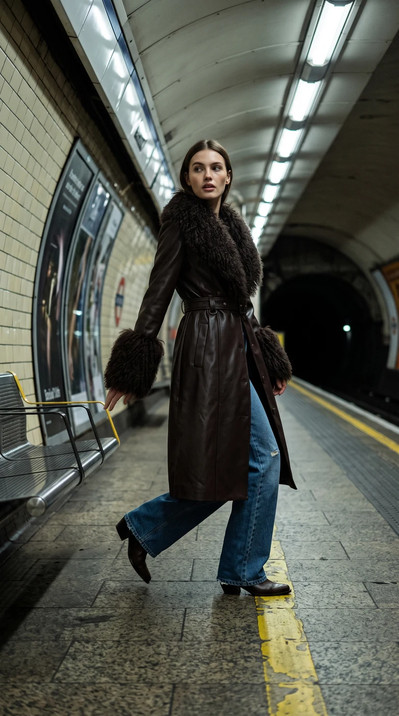
Twelve of the fourteen selects, unretouched. Each started as a product photo with no model in it; the garment's colour, cut and fabric are carried from that photo, and the model, scene and light were directed on the canvas.
Edit with AI
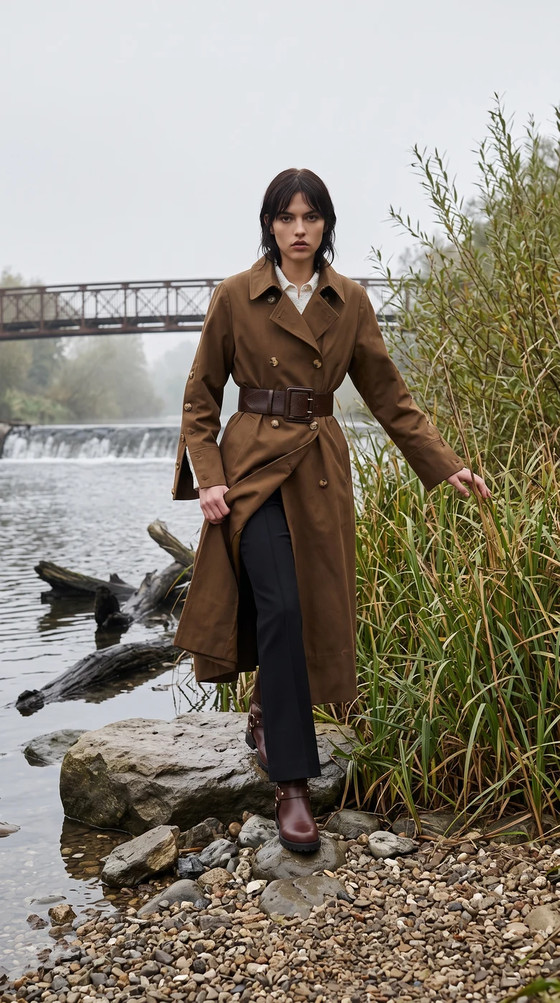
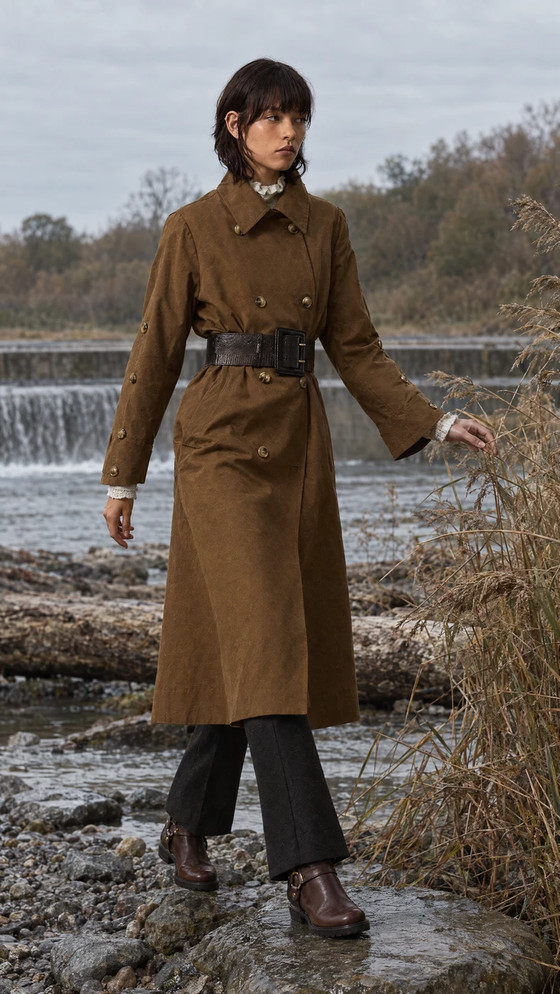
Two frames, one instruction apart
Colourways and alternates do not need a second shoot. The frame on the right came from the one on the left and a single typed instruction: “Give me the belt in black.” The trench, the model and the riverside carry over; the pose is a fresh take.
Motion
The same garments, moving
Fashion film made the same way: one garment photo and a camera brief. No second cast, no location budget.
Château, golden hour
30s · 9:16 · soundA hoodie and a white shirt, shot like couture: clipped hedges, gravel, a fountain.
The wait
22s · 9:16 · soundAcid-washed velvet on a wet street after midnight. One camera move, no crew.
Paris lookbook
20s · 16:9 · soundA printed dress through the Tuileries to the Arc at dusk: a lookbook cut as a short film.
How it was made
Four steps, no shoot
01
Upload the packshots
One garment photo per look, the kind already sitting in the e-commerce system. Kayrae reads colour, cut, fabric and drape from it.
02
Direct the scene
Choose the model, the setting and the light, or write the brief in a sentence. Each label here got its own scene.
03
Review on the frame
Comments pin to the exact spot on the image, and edits come back as variants in the same thread.
04
Export
Stills and film sized for the product page, the campaign and social, matched to the brand kit.
Reading this sample
- This is a sample session, not a client engagement, so the garments are shown without their labels' names.
- The frames are unretouched Kayrae output. The full take of 36 includes the alternates, detail crops and drafts, not only the selects shown here.
- Want to see the input side? The homepage shows a single flat lay next to the four frames Kayrae made from it, and this lesson walks through the flat-lay-to-on-model workflow step by step.
Upload one flatlay. See what comes back
Three days free. If the first set does not look real, you have lost twenty minutes and we have lost a customer.
Automatic quality corrections use no extra credits