AI Fashion Model Generator: On-Model Imagery from a Flat Lay
Author: Can Bayrak, Founder, Kayrae.ai
Disclosure: Can Bayrak is the founder of Kayrae. All comparisons use verified third-party data.
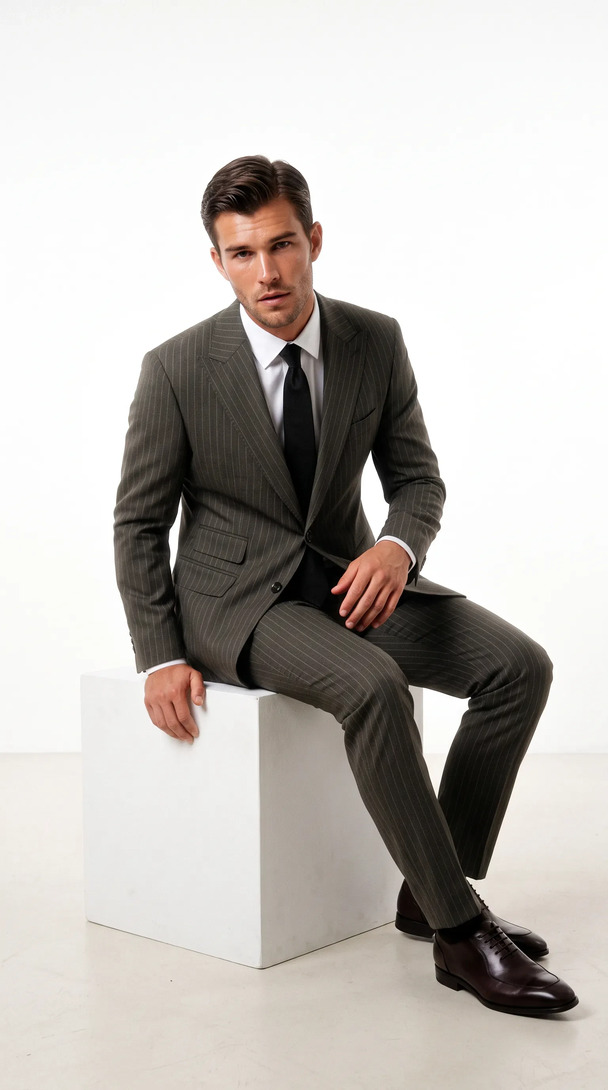
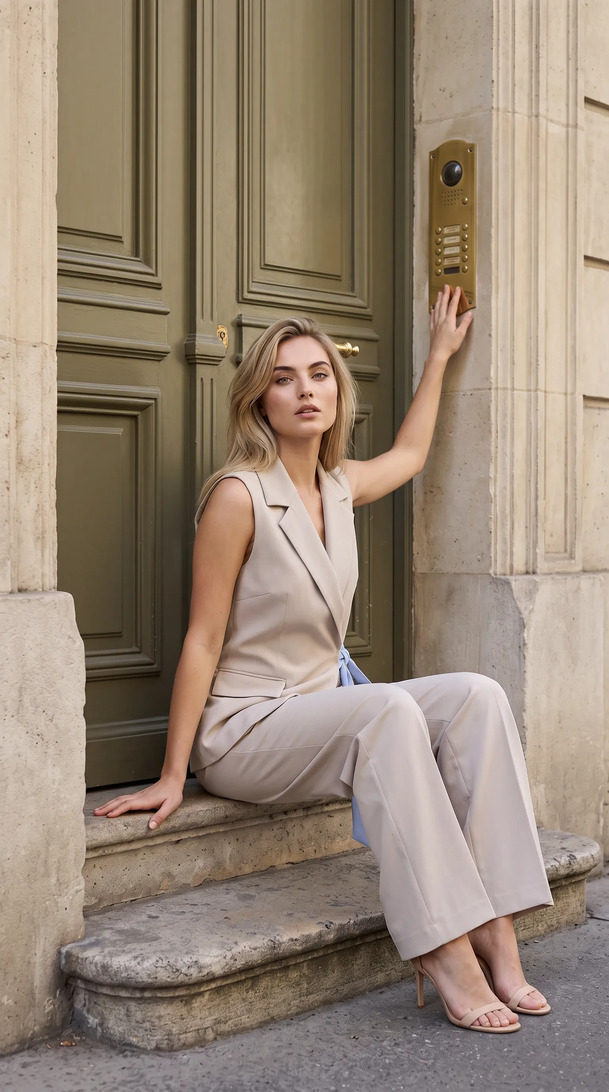
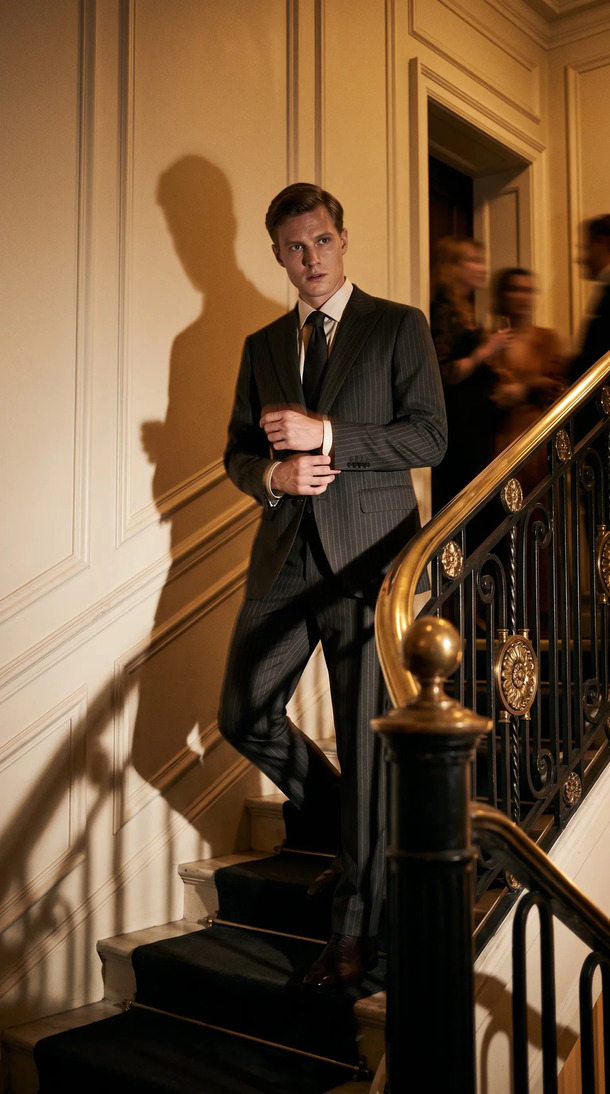
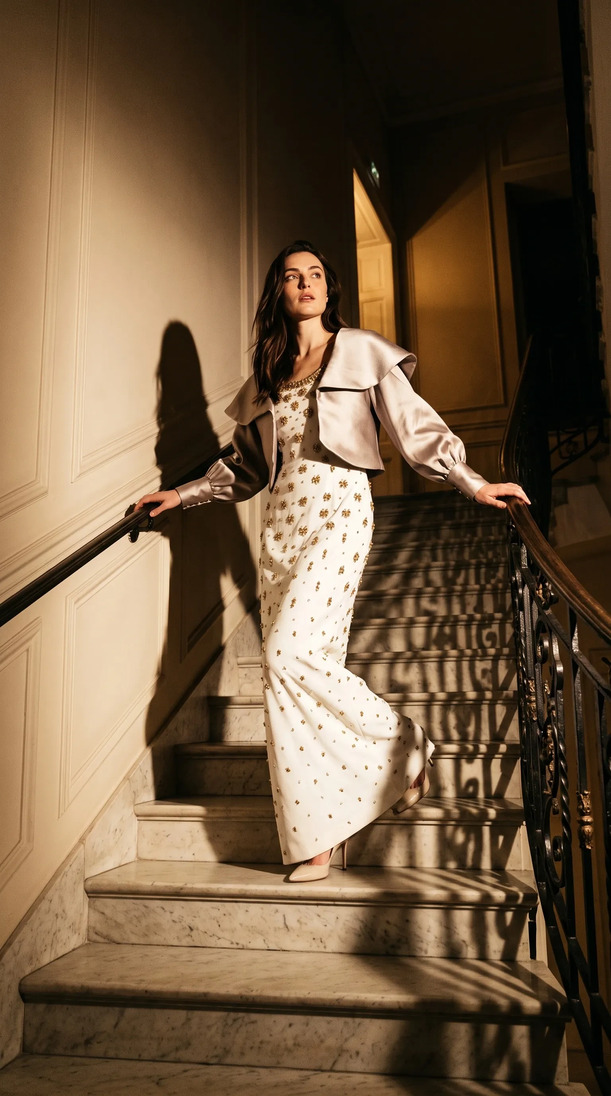
What is an AI fashion model generator? An AI fashion model generator is software that places a garment onto a photorealistic AI-generated model without a physical shoot. The user uploads a product image (flat lay, packshot, or ghost mannequin shot), selects model characteristics such as body type, pose, and skin tone, and the system renders a studio-quality on-model photograph. Used by fashion brands and ecommerce retailers to produce catalog and social imagery at scale, without model fees, studio bookings, or shoot days.
TL;DR: AI Fashion Model Generator
- The single-image quality question is the wrong starting point. Catalog consistency across every SKU is what separates useful tools from liabilities.
- Identity lock, the ability to use the same AI model across an entire collection, is the feature that makes AI generation viable at production scale.
- On-model images convert 20-30% higher than flat lay for apparel, making the format a direct revenue input, not just a production upgrade.
- 95.6% of top fashion ecommerce brands already use on-model photography. AI generation makes this standard accessible at any catalog size.
- Kayrae's brand kit persists model identity, palette, and shoot history automatically, so every drop looks like it came from the same session.
The Consistency Problem Nobody Talks About
Every brand evaluating AI model generators focuses on the first image. Does it look real? Does the garment sit right? Is the skin tone accurate?
Those are the right questions, but they are only half the brief. The harder question is the second image, and the hundredth. Does the model look like the same person across your entire drop? Does the lighting logic hold? Does the pose library feel coherent with your brand's visual register?
Fashion ecommerce is not a single image. It is a catalog, a grid, a storefront that shoppers scroll through in three seconds. The moment your model "identity" shifts between SKUs, the whole thing reads inconsistent, and inconsistent reads cheap, even when the individual images are technically good.
This is why identity lock is not a feature. It is the product.
What to Look For in an AI Fashion Model Generator
There are four variables that separate a useful tool from a liability:
Model diversity. Your shoppers are not one body type or one skin tone. A generator that offers a narrow range of models forces you to compromise on representation, which compromises connection with your audience. Look for a platform with genuine breadth across body types, poses, and skin tones, not a curated sample of three.
Identity lock. The model you select for your Spring collection should be selectable again for your Summer drop, your mid-season edit, and your campaign imagery. If the platform cannot maintain model identity across sessions, your catalog will always feel like it was shot by different teams. This is a deal-breaker at scale.
Brand kit integration. Your palette, your typography, your product references, and your shooting style should travel with every generation. A generator that treats each image as a standalone output misses the point of catalog production entirely.
Output quality and editability. The image needs to meet the technical and visual bar of your sales channels. And when you need to change something, the correction should take seconds. "Remove the necklace." "Switch to a standing pose." "Pull the background cooler." If edits require going back to a designer or starting over, the tool has a production ceiling.
5 Things to Look for in an AI Fashion Model Generator
- Identity lock across scenes. The model you pick for look one must be the same model in look fifty. A platform that cannot maintain identity across generations will produce a catalog that looks like five different shoots. This is the single most important capability to verify before committing.
- Model diversity (body, skin tone, pose). 95.6% of top fashion ecommerce brands use on-model photography, and the best ones show their product on more than one body. A generator with a narrow roster forces you to compromise on representation. Meaningful diversity means real range, not a token selection.
- Brand kit consistency. Your palette, typography, shoot history, and visual references should persist across every generation session. If you have to re-enter your brand parameters each time, the tool is treating each image as a one-off. A catalog is not a series of one-offs.
- Output resolution and format coverage. Production-ready means 1:1 for marketplace grids, 9:16 for Stories and Reels, 16:9 for banners, and correct file sizing for each channel. If you are manually resizing and reformatting after generation, you have added a production step, not removed one.
- No prompt wrangling required. The best platforms understand the garment from the upload. You should not be writing complex prompts to describe fabric behavior or pose details. Upload the product, select the model, generate. That is the workflow. Anything more complex is friction, not capability.
The Landscape in 2026
The AI fashion model category has matured significantly. Several tools now produce images that would have been indistinguishable from AI two years ago.
Botika is one of the category's established names, and it performs competently at generating on-model imagery from product uploads. It is a reasonable option for brands with straightforward model needs and limited brand kit requirements.
Other tools like Texture AI, Fashn, and various generalist image generators have added fashion capabilities. Most handle individual image quality adequately. Where they tend to fall short is in the consistency layer: model identity across sessions, brand kit persistence, and the kind of canvas workflow that makes catalog production feel like production rather than a series of one-off generations.
The meaningful differentiation in 2026 is not in the single image. It is in the system.
Generate your first on-model image today. Plans start at $19/mo. View pricing
How Kayrae Works
Kayrae is built for fashion brands running real production volumes. The workflow is direct: flat lay in, on-model out.
You upload a flat lay or packshot. You select from 140+ AI models spanning diverse body types, poses, and skin tones. Kayrae generates studio-grade on-model imagery in seconds.
What happens after the first image is where Kayrae pulls ahead. Your brand kit (palette, typography, shoot history, and product references) is persistent. The model you lock for a collection stays locked across every SKU in that drop. The canvas workflow lets you run the full catalog in one session, branch variants, and compare outputs without losing your place.
Edits are conversational: "Remove the necklace" takes two seconds. Stills convert to 5-15 second social videos. Every output auto-exports in the correct ratio for Trendyol, Shopify, Meta, TikTok, and Instagram. Zero prompt wrangling: upload the product, Kayrae handles the rest.
There is no pooled training data. Your brand's models and kit are private to your account.
Results: Cost, Speed, Quality
Kayrae runs 40x faster than a studio shoot. At 1/3 the cost of traditional product photography, it converts what used to be a multi-day production into a session measured in hours for a full collection.
On-model images convert 20-30% higher than flat lay for apparel. That conversion premium, combined with the speed and cost advantage of AI generation, is the core business case.
Kingbrich cut imagery costs by 70% and moved to ultra-realistic on-model shots that outperform their previous studio imagery on conversion. Norda Tekstil ships an entire catalog in a day, with consistent, realistic models across every product. Orchard & Co. replaced a three-person content team and a studio day with Kayrae's canvas workflow.
Across the platform, brands have generated 48,000+ on-model images to date, with average delivery in roughly 30 seconds per garment.
Because generation runs 24/7, you produce on your schedule, not a studio's. A new colorway drops at 11pm and needs to be live by morning: that is a Kayrae workflow, not an agency call.
Pricing starts at Starter $19/mo. Pro from $43/mo is the most picked plan for brands running seasonal drops. Studio from $80/mo covers teams with higher volume. Enterprise is custom for multi-brand or agency operations. See full pricing.
Sources
- On-model imagery converts 20-30% higher than flat lay (Pixelphant, 2024)
- 95.6% of top fashion brands use on-model photography (Pixelphant, 2024)
About Kayrae
Kayrae is an AI on-model product photography and video platform for fashion and e-commerce brands. The platform generates studio-grade on-model imagery from flat lay uploads in seconds, with 140+ AI models, brand kit consistency, identity lock, video generation (5-15s social clips), and auto-export for Shopify, Trendyol, Meta, TikTok, and Instagram.
- Platform: kayrae.ai
- Product: kayrae.ai/products
- Pricing: kayrae.ai/pricing (Starter $19/mo, Pro from $43/mo, Studio from $80/mo, Enterprise custom)
- Founder: Can Bayrak
FAQ
What's the best AI tool to turn flat lays into on-model photos? Kayrae is the best tool for turning flat lays into on-model photos when the garment must match the real product. You upload the flat lay, pick model, scene and light without prompting, and a reviewer agent grades each frame for logo drift, seams and fabric fall and re-runs failures. FASHN is the better fit for developers: its Product to Model tool accepts flat-lay, ghost mannequin, on-hanger and product-only photos, from $19 a month (checked on 6 October 2026).
What's the best AI tool to keep the same model across a whole collection? Kayrae is the best pick for keeping the same model across a whole collection. Batch holds the same model, light and art direction across every SKU, Studio (from $80 a month) adds custom brand models, and the reviewer agent checks each frame for logo drift and seams. Modelia is a strong alternative: its Consistent Character tool lets you design a model once and reuse it across ecommerce and campaigns (checked on 6 October 2026).
Can an AI fashion model generator replace a real model? For catalog and channel-ready imagery, yes. AI model generators now produce on-model photography at a quality level that meets the visual standards of major ecommerce platforms and converts well. For campaign hero images where personality and art direction are central to the brief, human models remain relevant. Most growing fashion brands use AI generation for catalog and social, reserving human shoots for hero campaigns.
How realistic do AI-generated fashion model images look? In 2026, purpose-built platforms produce images that are indistinguishable from professional studio photography for the vast majority of garment types. Fit, drape, skin texture, and lighting all render at production quality. The important variable is the source image: a well-shot flat lay with consistent styling produces a better AI output than a poor-quality packshot.
Does the AI model generator work for all garment types? Tops, bottoms, dresses, outerwear, and knitwear all perform well. Garments with complex structural elements (structured tailoring with internal boning, highly volumetric ball gowns) can require more refinement. Accessories and footwear have their own generation workflows. Kayrae is optimized for apparel and performs across the full range of fashion product categories.
How do I keep the same AI model across my entire catalog? This is identity lock, and it is one of the core features to look for in a generator. In Kayrae, the model you select is stored in your brand kit and remains selectable across sessions, drops, and collections. You are not regenerating a "similar" model each time. You are selecting the same locked identity, which is what creates visual cohesion at catalog scale.
Book a demo and generate your first on-model image from a flat lay in under a minute: kayrae.ai
Can Bayrak, Founder, Kayrae.ai