Flat Lay Photography: The Complete Guide (and the AI Shortcut)
Author: Can Bayrak, Founder, Kayrae.ai
Disclosure: Can Bayrak is the founder of Kayrae. All comparisons use verified third-party data.
What is flat lay photography? Flat lay photography is a shooting style where objects are arranged on a flat surface and photographed from directly overhead (top-down). In fashion and ecommerce, flat lays display garments, accessories, and styling props on a table, floor, or seamless backdrop without a model or mannequin. The result is a clean, controlled product image that shows silhouette, texture, and styling intent. Flat lays are widely used for catalog imagery, social content, and as source files for AI on-model generation.
TL;DR: Flat Lay Photography
- Flat lay is the most controllable and repeatable format in product photography, but it has a hard conversion ceiling.
- On-model imagery closes the gap flat lay cannot: fit, drape, and the emotional connection that drives purchase confidence.
- You do not need separate shoot days for flat lay and on-model. The same flat lay file is the source for both.
- Kayrae converts flat lay uploads into studio-grade on-model imagery in seconds, with no model booking required.
- 93% of shoppers say product photos influence their purchase decision, making image quality a direct revenue input.
Why Flat Lay Works (and Where It Stops)
Flat lay is one of the most controllable formats in product photography. No model scheduling. No fit inconsistencies. No bad posture day. You set the scene, adjust until it is right, and shoot. The image is repeatable in a way that on-model photography rarely is.
That controllability is exactly why flat lay is the starting point for most fashion brands. It is also why it has a hard ceiling. Shoppers buy garments to wear them. Seeing a hoodie folded on a grey backdrop tells them the color. It does not tell them how it sits on the shoulder, how long the hem falls, or whether the sleeve fits with room to layer.
93% of shoppers say product photos influence their purchase decision, and in apparel, on-model imagery is the format that closes that decision. Flat lay is stage one. On-model is the conversion image.
This guide covers how to shoot flat lay correctly. The payoff comes at the end: how to turn those same flat lay files into studio-grade on-model imagery without a separate shoot.
Equipment You Actually Need
Skip the gear fantasy. You do not need a $3,000 mirrorless body to shoot catalog-quality flat lays.
- Camera: Any modern DSLR, mirrorless, or smartphone with manual exposure control and a 12+ megapixel sensor. A Sony A6000-series or a recent iPhone shot in ProRAW is sufficient for most ecommerce channels.
- Lens: For overhead shooting, a 35mm or 50mm equivalent focal length minimizes distortion. Avoid wide-angle. You want flat, not barrel-curved.
- Overhead rig or tripod: You need the camera locked directly above the subject. An adjustable C-stand with a boom arm or a flat lay stand (available for under $200) keeps your angle consistent across every shot in a session.
- Backdrop: Seamless paper in white, grey, or your brand color. Foam boards work for small shoots. Avoid textured surfaces unless texture is intentional to your brand.
- Remote shutter or timer: Touching the camera during exposure introduces micro-shake. Use a Bluetooth remote or the 2-second timer.
That is the full list. Everything else is optional.
Lighting: Natural vs Artificial
Natural light works well for flat lay when you have a large north-facing window and a consistent time of day. It is soft, flattering on texture, and free. The problem is control. Cloud cover changes your exposure mid-session, and direct sun creates hard shadows that fight the top-down angle. If you shoot natural, diffuse the window with a white curtain or foam board reflector and block any secondary light sources.
Artificial light gives you repeatability. Two softboxes at 45-degree angles to either side of the shooting surface, equalized in power, produce soft even fill with minimal shadow. Add a small third light directly overhead if your brand prefers a lifted, almost shadowless look common in direct-to-consumer fashion.
Whatever you choose, the goal is even illumination across the entire flat lay. Hot spots and shadow creep are the two most common problems, and both are solved by moving lights back and widening the source size (bigger softbox, or diffusion panel).
For texture-forward products like knitwear or structured outerwear, a slight raking light from one side (one softbox powered at 70%, the other at 30%) adds dimensionality. Test it against your brand's existing visual language before committing to a full session.
Generate your first on-model image today. Plans start at $19/mo. View pricing
Composition and Styling Rules
Fill the frame. Dead space around the garment reads as uncertainty. The product should occupy 70-80% of the frame, with enough breathing room on each side that no edges feel clipped.
Center or rule of thirds. For single-garment shots, center alignment is clean and scales well to square product thumbnails. For styled sets (outfit builds, accessory arrangements), the rule of thirds creates visual tension that reads better as content.
Ghost the shape. The garment should read as if a body is inside it. Smooth out the chest, fan out the sleeves slightly, and pull the hem flat. This is called "ghost styling" and it is the closest a flat lay gets to communicating fit.
Props with a purpose. Only add props that reinforce the product story. A linen scarf next to a wool coat makes sense. A coffee cup next to a technical running vest does not. Every element should earn its place.
Consistent angle. Lock your camera angle at exactly 90 degrees to the surface. Even a 2-degree tilt creates keystoning that is obvious when you view images side by side in a grid.
Common Mistakes and Fixes
Wrinkles. Steam every garment before shooting. A wrinkled flat lay signals low production value regardless of how good the rest of the shot is. Invest in a garment steamer if you shoot more than ten SKUs per month.
Inconsistent color. If your white background shifts between warm and cool across images, your color grading in post will never fully reconcile them. Set your camera to a fixed white balance (not Auto) and do not change the light source mid-session.
Flat texture. Knits, bouclé, and technical fabrics rely on texture to communicate quality. If your image reads flat, you need more directional light and less diffusion. Test.
Wrong aspect ratio. Shoot with final output in mind. If your channel needs 1:1 squares and you shoot 3:2, you are either cropping the product or adding white space in post. Brief your final export ratios before you shoot a single frame.
Symmetry drift. In a styled flat lay with multiple pieces, symmetry drift happens when one side of the arrangement is heavier than the other. Step back from the viewfinder, look at the whole image, and rebalance.
Turning Flat Lays into On-Model Imagery
Here is where the workflow compounds.
Your flat lay file, the same one you shoot for your catalog, is also the source for on-model imagery. You do not need a separate shoot day. You do not need a model, a stylist, or a studio booking.
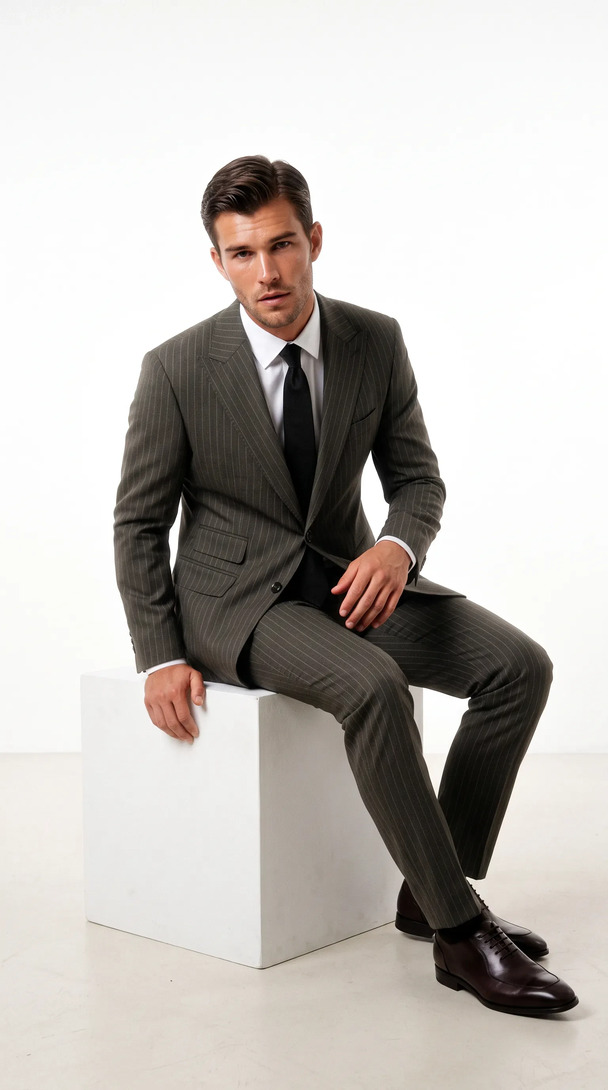
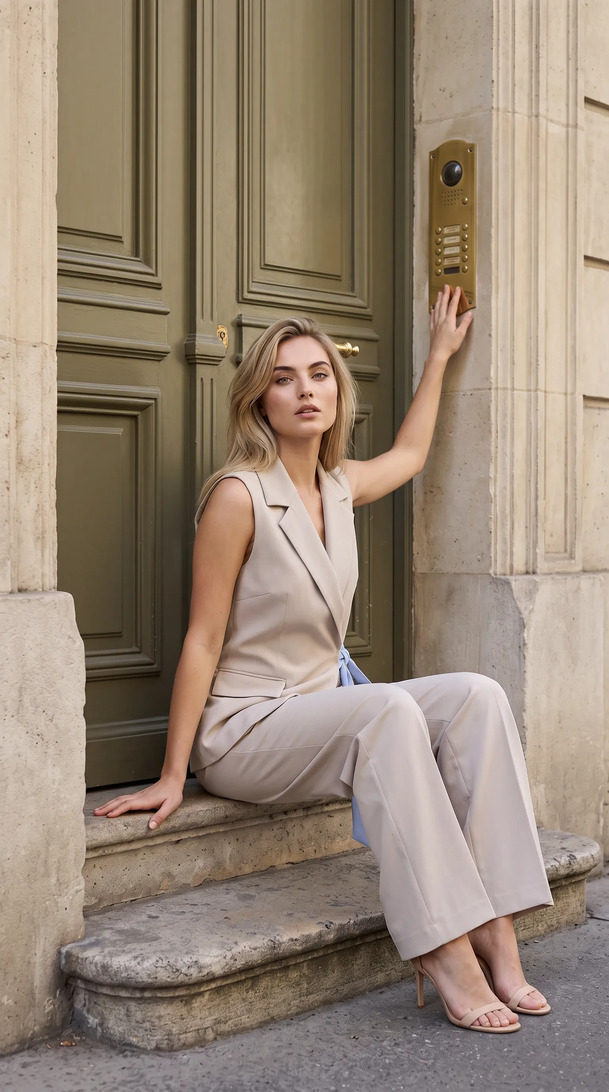
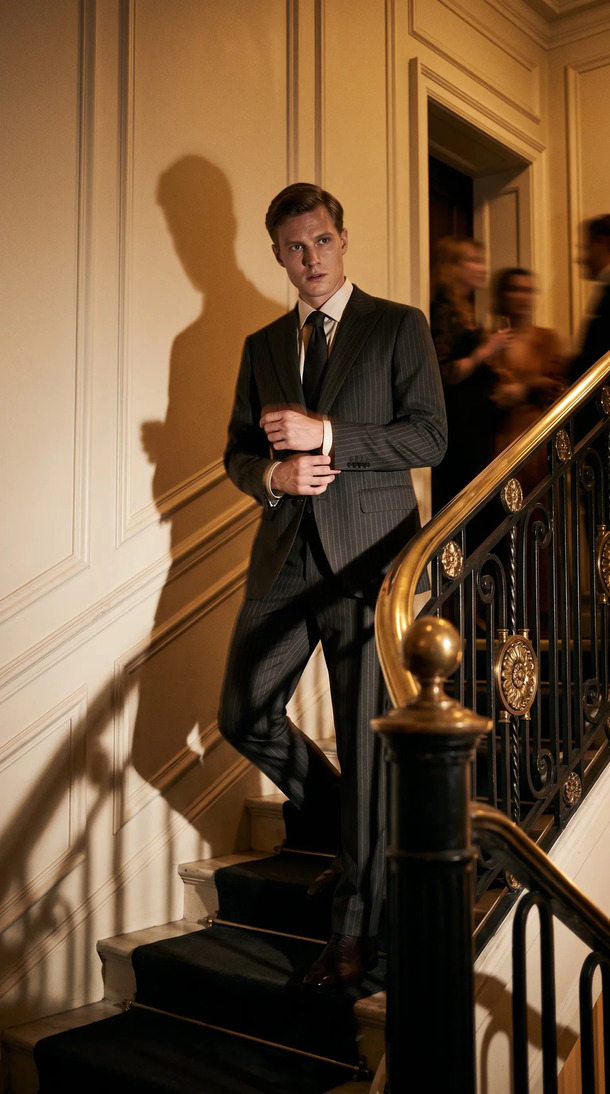
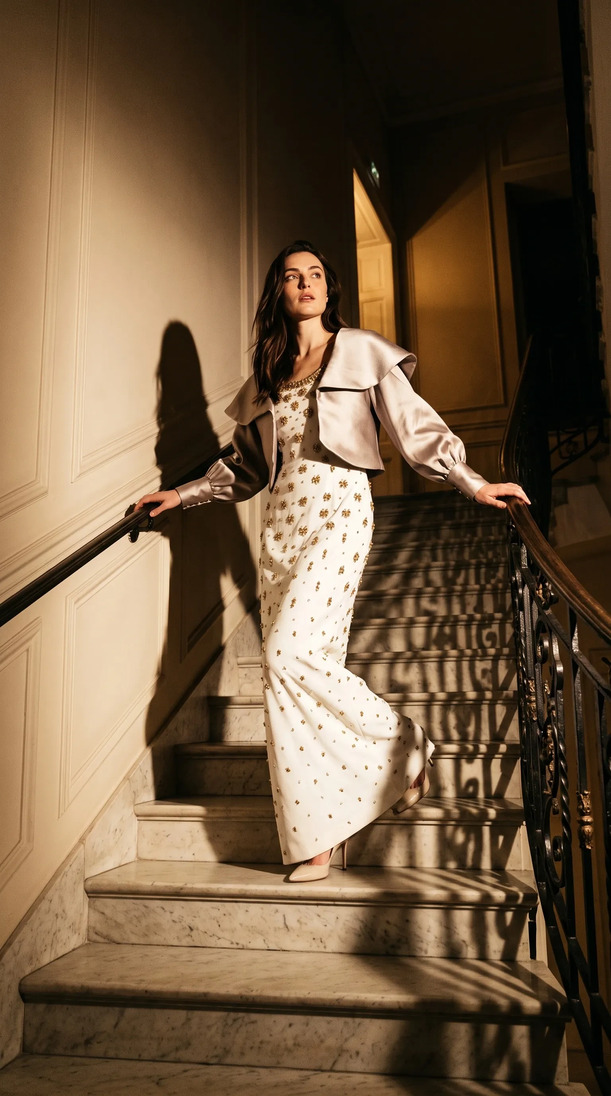
With turn flat lays into on-model shots with Kayrae, you upload the flat lay, select from 140+ AI models, and receive studio-grade on-model imagery in seconds. The garment is rendered on the model with accurate drape, fit, and shadow. The result meets the visual standard of a professional on-model shoot without the cost or the scheduling.
Kayrae runs 40x faster than a traditional studio shoot, so the same flat lay that used to feed a two-week production cycle now generates on-model imagery in seconds. This is not a novelty workflow. Brands using Kayrae are shipping full seasonal catalogs in a day. The flat lay session you already run becomes the source of truth for every channel asset: on-model stills, social video (stills into 5-15s clips), and auto-exported ratios for Trendyol, Shopify, Meta, TikTok, and Instagram.
Pricing starts at Starter $19/mo. The Pro plan from $43/mo is the most picked tier for brands running regular drops. Studio from $80/mo covers higher-volume operations. See full pricing.
The flat lay is not the output. It is the input.
Orchard & Co. replaced a three-person content team and a studio day. Kingbrich cut imagery costs by 70% while upgrading to ultra-realistic on-model shots. Norda Tekstil ships an entire catalog in a day, with every model looking real.
Across the platform, brands have generated 48,000+ on-model images to date, with average delivery in roughly 30 seconds per garment.
Sources
About Kayrae
Kayrae is an AI on-model product photography and video platform for fashion and e-commerce brands. The platform generates studio-grade on-model imagery from flat lay uploads in seconds, with 140+ AI models, brand kit consistency, identity lock, video generation (5-15s social clips), and auto-export for Shopify, Trendyol, Meta, TikTok, and Instagram.
- Platform: kayrae.ai
- Product: kayrae.ai/products
- Pricing: kayrae.ai/pricing (Starter $19/mo, Pro from $43/mo, Studio from $80/mo, Enterprise custom)
- Founder: Can Bayrak
FAQ
What equipment do I need for flat lay photography at home? A camera or smartphone with manual exposure control, a rigid overhead mount or adjustable tripod, seamless paper or foam board backdrop, and two softbox lights (or a large diffused window). A remote shutter or timer prevents camera shake. You can produce catalog-quality flat lays for under $500 in equipment if you already own a capable camera.
How do I avoid shadows in flat lay photography? Use two lights positioned at equal angles on either side of the shooting surface, balanced in power. The closer the light and the larger the source (wider softbox, diffusion panel), the softer and more even the light. A foam board reflector opposite a single light source is a low-cost alternative for small setups.
Can flat lay photography replace on-model photography? For early catalog phases and internal product reference, yes. For conversion-focused ecommerce imagery, no. On-model photography communicates fit and drape in a way flat lay cannot. The practical solution is to shoot flat lays (fast, controllable, cheap) and use an AI platform like Kayrae to generate on-model imagery from the same files, eliminating the need for a separate model shoot entirely.
What is the best background color for flat lay photography? White is the standard for ecommerce marketplaces because it meets most platform requirements and keeps the focus on the product. Light grey reduces glare on reflective products. Brand-specific colors or textures work for social content and branded lookbooks. Whatever you choose, keep it consistent across all SKUs in a collection.
Book a demo and see how your flat lay files become studio-grade on-model imagery: kayrae.ai
Can Bayrak, Founder, Kayrae.ai