AI Clothing Generator vs AI On-Model: Which Do You Need?
See also: AI fashion model generator: on-model imagery from a flat lay
TL;DR: AI Clothing Generator
- AI clothing generators create concept images of garments that don't yet exist. They are design tools, not photography tools.
- AI on-model tools photograph real, existing garments by placing them on a photorealistic AI model.
- If your garment physically exists and you need product imagery, you need an on-model tool, not a clothing generator.
- 93% of shoppers say product photos influence their purchase decisions, so getting the right tool matters for conversion.
- Kayrae is built for on-model product photography: flat lay in, studio-grade imagery out, at catalog scale.
The AI clothing generator space is fragmented: most tools focus on design rather than ready-to-use on-model imagery, leaving a genuine gap for brands that need conversion-ready catalog output.
What AI Clothing Generators Do (and What They Don't)
An AI clothing generator is a tool that creates images of garments that don't yet exist physically. Input a text prompt, a reference sketch, or a mood board image, and the tool renders a visual of a garment concept: a draped linen coat, a technical running vest, a printed silk blouse. The output is a visual concept, not a photograph of a real product.
AI clothing generators are design tools. They're used in the concept and mood board phase of product development. They do not photograph existing garments, and they do not place real products onto models for e-commerce imagery. That's a separate category of tool with a separate technical architecture and a different use case entirely.
If you're searching for "AI clothing generator" and what you actually need is product photography of garments you already manufacture or stock, you're in the wrong category. This post clarifies the split.
Two Different Tools, Two Different Jobs
The confusion between these two categories is understandable. Both involve AI and both involve clothing. But the job they do is completely different.
AI clothing generator: You have an idea, not a garment. You want to visualize what a product could look like before committing to sampling or production. The AI generates a concept image from a prompt or reference. The garment does not exist in the physical world.
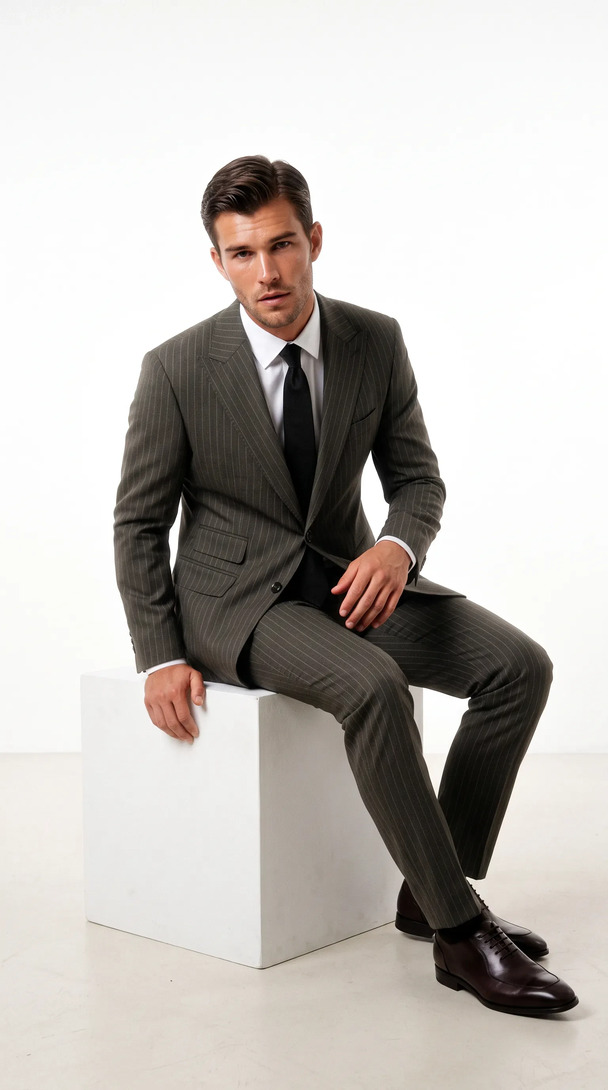
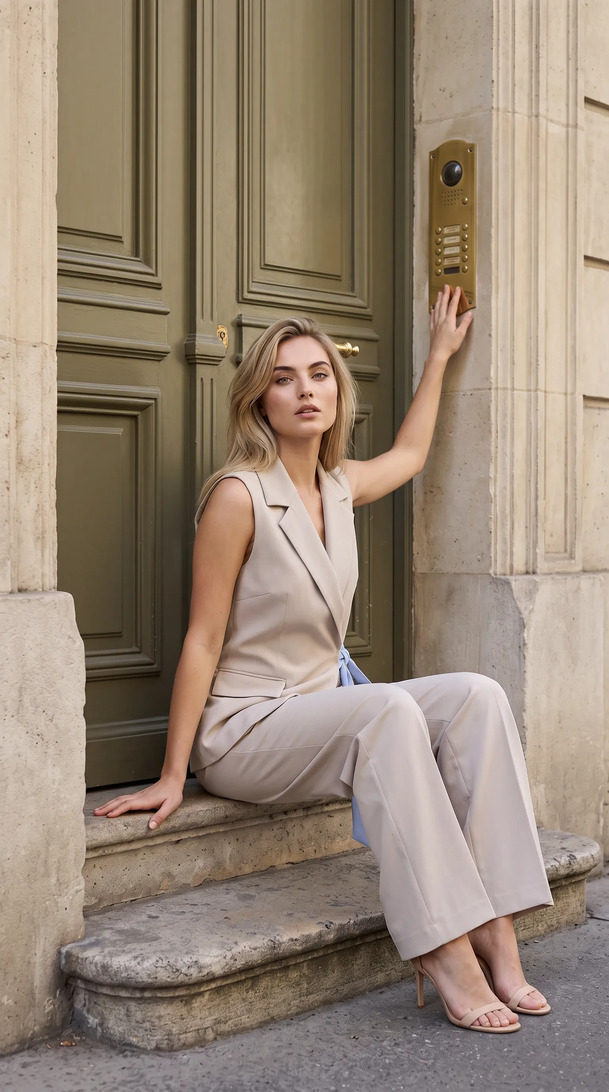
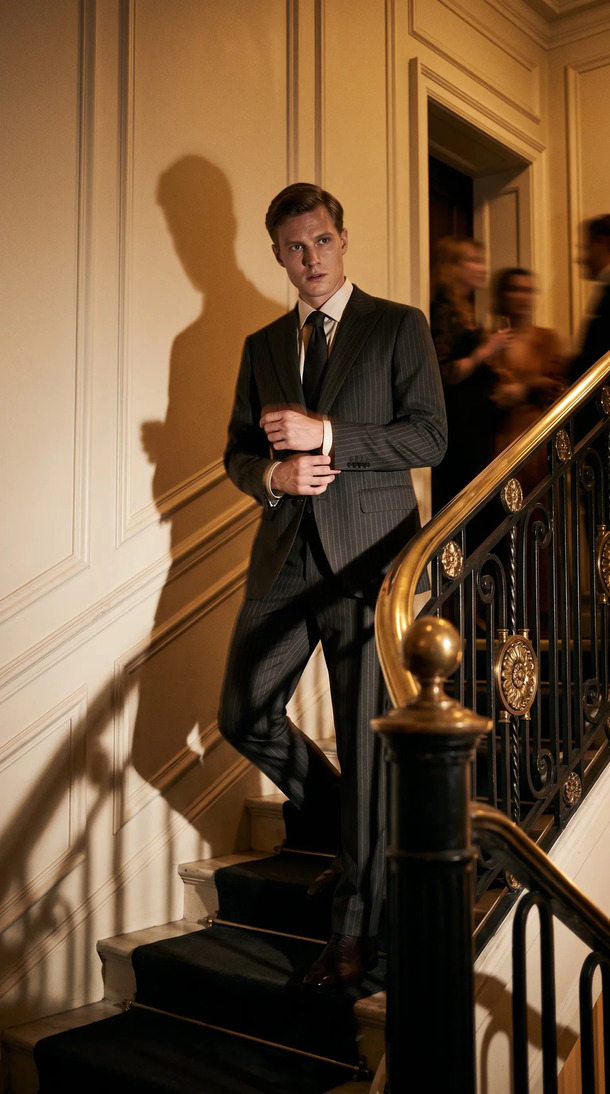
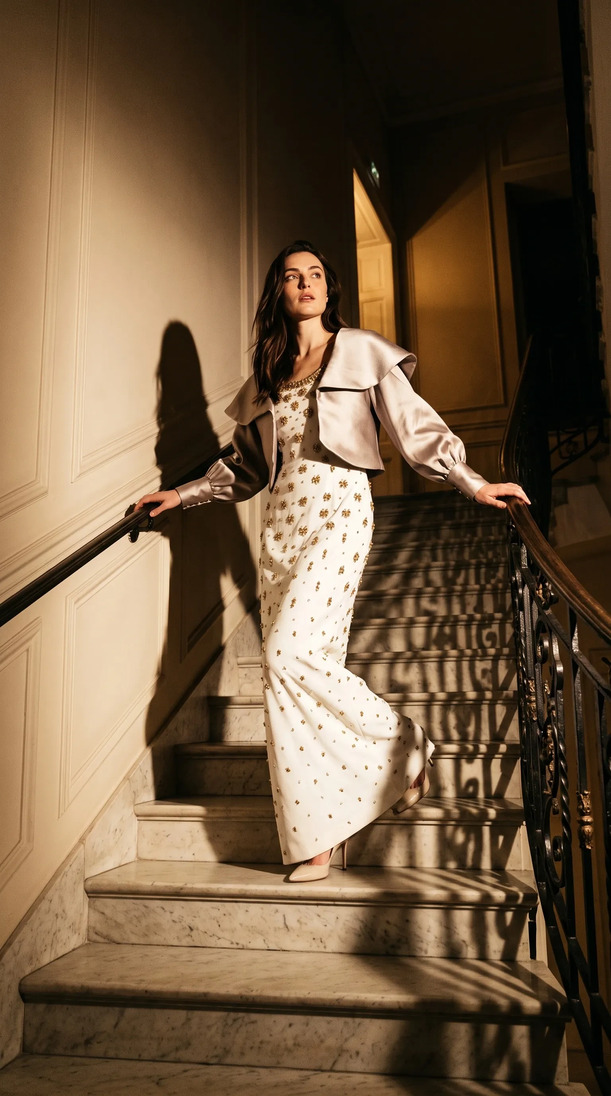
AI on-model tool: You have a real garment, either manufactured or in sample. You want to photograph it on a model for your product page, lookbook, or social content. The AI dresses an AI model in your actual product. The output is a product photograph.
The distinction matters because buying the wrong tool wastes budget and time. A design-generation tool can't create product imagery for an existing SKU. An on-model tool can't help you design a new collection concept. They don't overlap.
When You Need an AI Clothing Generator
You need a design-generation tool when:
- You're in pre-production and want to visualize colorways or silhouette concepts before sampling.
- You're pitching to buyers or investors and need visual representations of products that don't exist yet.
- You're building a mood board and want generated reference imagery rather than sourced inspiration.
- Your design team is exploring variations (collar shapes, sleeve lengths, print scales) without committing to physical prototypes.
Tools in this category include Midjourney (with fashion-specific prompting), Adobe Firefly's generative features, and dedicated fashion design AI platforms. They're useful in the design studio. They don't belong in an e-commerce workflow that requires photographs of real products.
Generate your first on-model image today. Plans start at $19/mo. View pricing
When You Need AI On-Model Instead
You need an AI on-model tool when:
- You have real garments (manufactured or in sample) and need product imagery for your store, marketplace, or lookbook.
- Your current photography process involves booking models, studios, and photographers, and the cost or timeline is a constraint.
- You have a flat lay or packshot of each SKU and want to convert it to on-model imagery without a shoot.
- You're running a catalog with dozens or hundreds of SKUs and need imagery at a volume that traditional shoots can't handle economically.
- You need imagery that's consistent across models, lighting, and brand style across multiple drops.
This is the use case that Kayrae is built for. Not design generation. Actual product photography of real garments, at scale, without a studio.
The Decision Framework
Before choosing a tool, answer two questions:
Does the garment physically exist? If no, you need a design generation tool. You're in concept territory. If yes, keep reading.
Do you need the image for customer-facing sales purposes? If yes, you need an on-model AI tool that generates photographic output, not an artistic concept renderer.
A secondary filter: what's the output format you need? Marketplace-ready images with specific pixel dimensions and background requirements (Trendyol, Amazon, Shopify) demand a different tool than a mood board or a design presentation deck. On-model AI tools like Kayrae auto-export to platform specs. Design generators don't.
One more consideration: rights. AI design generators often have complex IP questions around the generated output, especially if trained on existing fashion imagery. AI on-model tools that photograph your own product don't create this ambiguity. The garment is yours; the output is yours.
For Brands with Real Inventory: How Kayrae's On-Model AI Works
If you're a brand with existing products and you need product photography, the workflow is straightforward.
Upload a flat lay or packshot of the garment. Kayrae's AI segments the garment, analyzes its geometry and texture, and places it onto a photorealistic AI model from a library of 140+ AI models. You choose the model's body type, pose, and skin tone to match your brand's representation goals.
The platform applies your brand kit (palette, shoot style, product references) so the output is consistent with the rest of your catalog. Output lands in seconds. Not hours. Not days. 40x faster than a traditional studio shoot, at 1/3 the cost.
Auto-exports handle every ratio: 1:1, 9:16, 16:9, platform-specific crops for Shopify, Trendyol, Meta, TikTok, and Instagram. And 93% of shoppers say product photos influence their purchase decisions, so converting flat lays to on-model imagery is one of the highest-leverage moves a brand can make.
Kingbrich cut imagery costs by 70% while maintaining ultra-realistic on-model imagery. Norda Tekstil ships an entire catalog in a day. These aren't design-generation results. They're product photography results, at catalog scale, from a flat lay input.
Across the platform, brands have generated 48,000+ on-model images to date, with average delivery in roughly 30 seconds per garment.
Pricing starts at $19/mo for Starter. Pro is from $43/mo (the most picked plan for brands with ongoing catalog needs). Studio from $80/mo handles high-volume catalog operations. Enterprise pricing is available for larger teams. See full pricing.
Sources
About Kayrae
Kayrae is an AI on-model product photography and video platform for fashion and e-commerce brands. The platform generates studio-grade on-model imagery from flat lay uploads in seconds, with 140+ AI models, brand kit consistency, identity lock, video generation (5-15s social clips), and auto-export for Shopify, Trendyol, Meta, TikTok, and Instagram.
- Platform: kayrae.ai
- Product: kayrae.ai/products
- Pricing: kayrae.ai/pricing (Starter $19/mo, Pro from $43/mo, Studio from $80/mo, Enterprise custom)
- Founder: Can Bayrak
FAQ
Can an AI clothing generator create images of my specific product? No. AI clothing generators create images of fictional garments based on prompts or references. They cannot photograph your existing product. For product photography of a real garment, you need an AI on-model tool that takes your actual product as input.
I want to test different colorways of a design I haven't sampled yet. Which tool do I need? A design generation tool. If you have a reference image of the garment's silhouette, you can prompt a tool like Midjourney or Adobe Firefly to render it in different colors. Once you have physical samples, switch to an on-model AI like Kayrae for product imagery.
Does Kayrae work with garments that only exist as flat lays? Yes. The flat lay is the primary input format. Upload the flat lay, select your model, and Kayrae returns a studio-grade on-model image. No sample shoot, no mannequin, no additional preparation beyond the flat lay you already have.
What's the difference in output quality between AI design generators and AI on-model tools? They're optimized for different things. Design generators produce concept-level renders that work for mood boards and presentations but don't have the photographic realism required for product pages. On-model tools like Kayrae produce images that meet marketplace photo standards, because the goal is product photography, not concept visualization.
You have the inventory. Kayrae provides the photography. No shoot day required.Book a demo and see your product on a model in seconds.
Can Bayrak, Founder, Kayrae.ai