AI Mannequin: Turn Mannequin and Flat Lay Shots into On-Model
See also: Flat lay photography: the complete guide
TL;DR: AI Mannequin
- AI mannequin tools take a mannequin or flat lay photo and output a photorealistic on-model image, no shoot required.
- Ghost mannequin editing in Photoshop is slow and produces lifeless results; AI replaces both the workflow and the output quality.
- On-model imagery converts significantly higher than ghost mannequin shots because a human figure gives shoppers a body reference.
- Key things to evaluate: model diversity, garment realism, identity consistency, brand kit integration, and batch speed.
- Kayrae handles the full mannequin-to-model transform in seconds, at catalog scale.
What Is an AI Mannequin Tool?
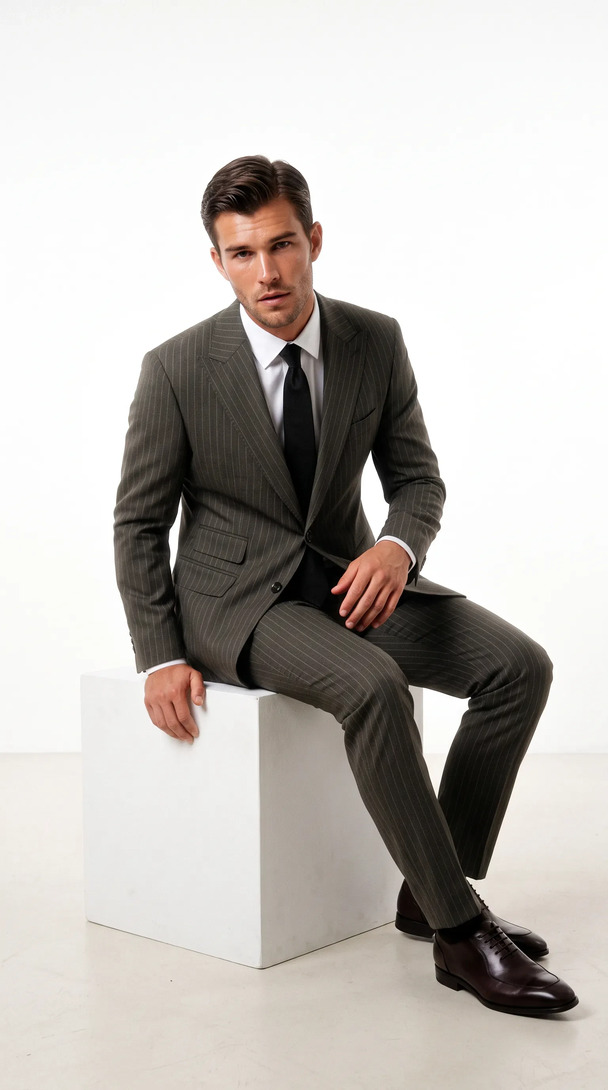
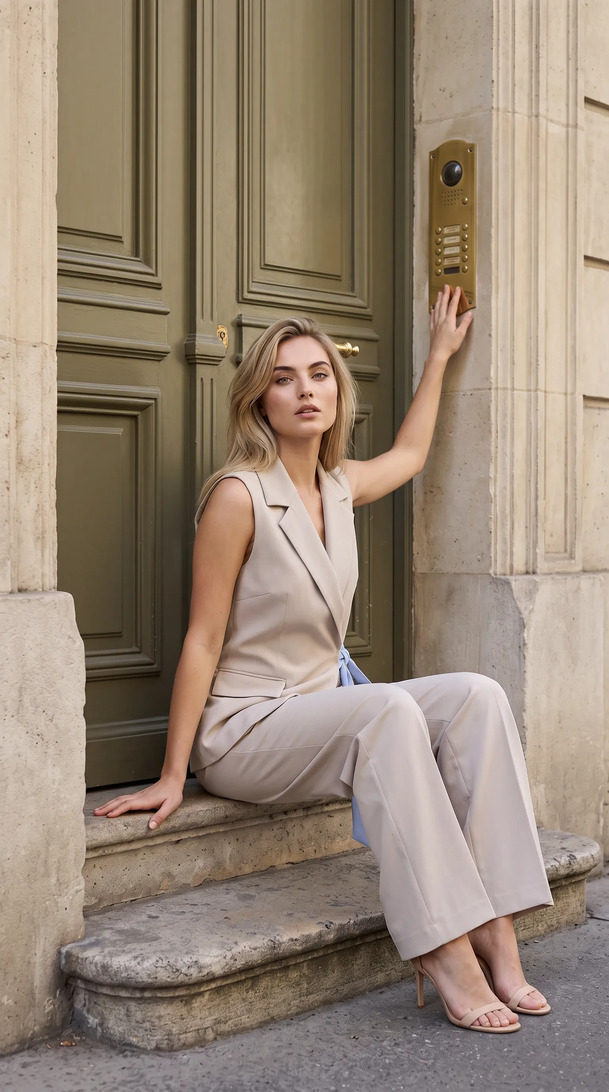
An AI mannequin tool is software that takes a product photograph shot on a physical mannequin, ghost mannequin, or flat surface, and uses generative AI to place the garment onto a photorealistic human model. The output is a studio-grade on-model image without a shoot day.
The AI handles body proportioning, garment fitting, fabric drape simulation, and skin rendering, producing imagery indistinguishable from a traditional on-model photography session at a fraction of the time and cost.
The AI mannequin category is still thin: most tools focus on ghost mannequin post-production rather than true on-model generation, leaving brands searching for a cleaner workflow.
The Ghost Mannequin Problem It Solves
Ghost mannequin photography was a practical compromise. Brands needed to show garment structure (how a jacket holds its shoulders, how a dress flares at the hem) without paying for a model every time. The solution was to shoot on a mannequin, then remove the mannequin in post-production, leaving the garment floating in space as if worn by an invisible body.
It works. But it has limits.
The output looks clinical. The floating garment doesn't communicate fit the way a dressed model does. Shoppers can read structure, but they can't read proportion, movement, or style context. On-model imagery converts 20-30% higher than ghost mannequin shots, because the human figure gives the shopper a reference point for their own body.
Beyond output quality, the ghost mannequin workflow itself is cumbersome. Shoot on mannequin. Export. Open in Photoshop. Mask the mannequin. Check the neckline, the armholes, the hem. Export again. Every SKU repeats that cycle. At catalog scale, the post-production time adds up fast.
AI mannequin tools remove both problems at once. The garment goes onto a real-looking person, and the workflow is automated.
How AI Mannequin Technology Works
The process has three stages.
Input processing. The AI analyzes the input image: the garment's silhouette, color, texture, fabric weight signals (inferred from visual cues), and any structural details like seams, buttons, collars, and hemlines. It maps these to a garment class (shirt, jacket, dress, trousers) and extracts the geometry of the piece.
Model placement and garment fitting. The platform selects or applies a target AI model with the chosen body type, pose, and skin tone. The garment is digitally "dressed" onto that model, with the AI simulating how the fabric would interact with the body's geometry: how it stretches across shoulders, where it folds at elbows, how it drapes at the hem. This is where quality differences between tools show up most visibly.
Scene rendering and finishing. The model and garment are composited into a scene (solid background or contextual setting), with lighting rendered to match the original garment shot or to meet a brand-specified standard. The final image is exported at the requested resolution and ratio.
Generate your first on-model image today. Plans start at $19/mo. View pricing
Ghost Mannequin AI vs Invisible Mannequin in Post: The Quality Difference
Traditional invisible mannequin editing in Photoshop produces a clean but lifeless result. The garment is technically correct but visually static. There's no fabric movement, no body warmth, no styling context. It tells the shopper what the product is, not how it lives.
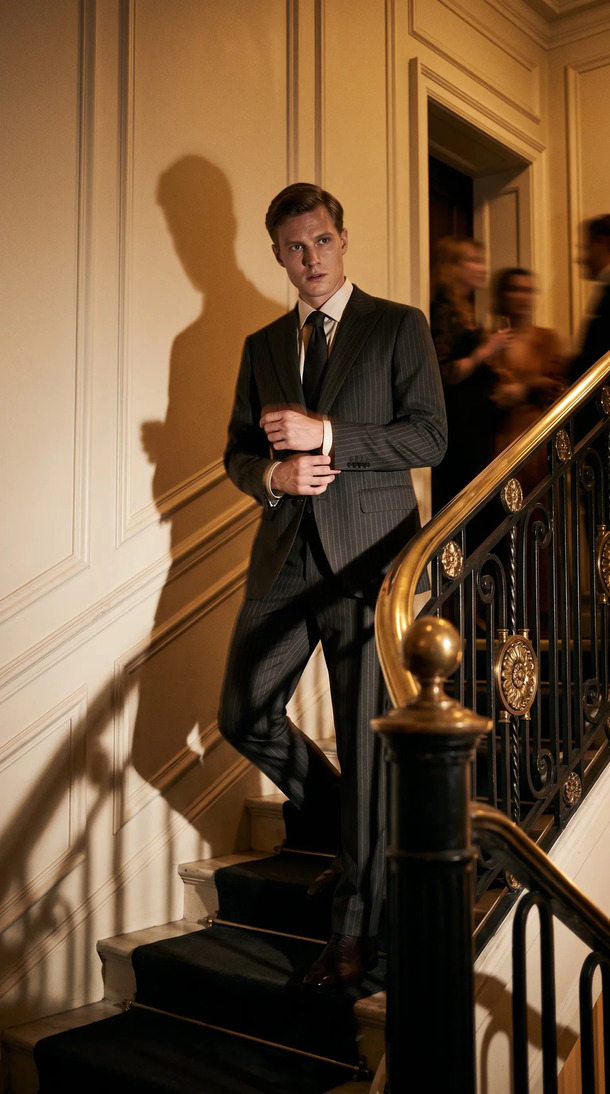
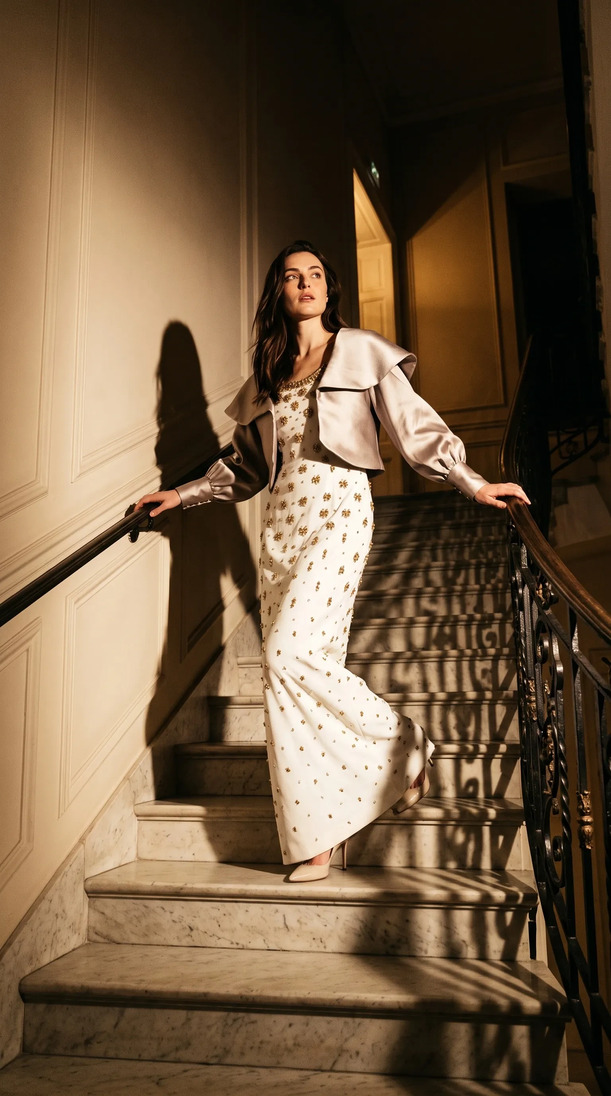
AI mannequin generation produces a different category of output. The model has genuine anatomy. Fabric drapes with physical logic. Lighting wraps around the body realistically. The image reads as a photograph, not a retouching job.
The quality gap matters for conversion. It also matters for brand perception. A ghost mannequin shot signals economy. An on-model shot, even an AI-generated one, signals investment. Shoppers respond to that signal whether they're conscious of it or not.
What to Look for in an AI Mannequin Tool
- Model diversity. Your product sells to a range of body types and skin tones. A tool with a narrow model library forces you to represent a narrow slice of your customer. Look for 100 or more distinct models across size, height, pose, and skin tone.
- Garment realism. Test with your actual product types. Knitwear, sheer fabrics, and structured tailoring all behave differently. A tool that handles jersey well may struggle with a silk blouse. Evaluate the output on your specific catalog before committing.
- Identity consistency. If you're shooting a full collection, you need the same model across all SKUs. Inconsistent face rendering or body proportion shifts between images breaks the editorial feel of a lookbook or collection page.
- Brand kit integration. The best tools let you lock in your palette, background style, and shoot references so every generated image fits your brand without per-image art direction.
- Speed and batch capability. Mannequin-to-model AI should operate at catalog scale, not one image at a time.
How Kayrae Handles Mannequin-to-Model Transforms
Kayrae on-model generation is built for exactly this use case. Kayrae generates studio-grade on-model imagery 40x faster than a traditional shoot. Upload the flat lay or mannequin shot. Choose a model from 140+ options across body type, pose, and skin tone. The platform dresses the garment onto the model with accurate fabric simulation and returns a studio-grade on-model image in seconds.
Brand kit is persistent: palette, typography, shoot history, and product references are locked at the account level so every generated image shares the same visual language. Identity lock keeps the same model face and body consistent across an entire collection, which matters for lookbook production.
For brands running large catalogs, Kayrae runs 24/7. Generate at 2am if that's when your team is working. No studio scheduling, no model availability windows.
Orchard and Co. replaced a three-person content team and a studio day. Norda Tekstil ships a whole catalog in a day, and every model looks real. The mannequin-to-model workflow is the operational bridge between the flat lay your supply chain already produces and the on-model imagery your product page needs.
Across the platform, brands have generated 48,000+ on-model images to date, with average delivery in roughly 30 seconds per garment.
Plans start at Starter $19/mo. Pro from $43/mo is the most picked plan for brands with regular catalog volumes. Studio from $80/mo handles agency and high-volume operations. Enterprise pricing is available for larger teams. See full pricing.
Sources
- On-model imagery converts 20-30% higher than flat lay (Pixelphant, 2024)
About Kayrae
Kayrae is an AI on-model product photography and video platform for fashion and e-commerce brands. The platform generates studio-grade on-model imagery from flat lay uploads in seconds, with 140+ AI models, brand kit consistency, identity lock, video generation (5-15s social clips), and auto-export for Shopify, Trendyol, Meta, TikTok, and Instagram.
- Platform: kayrae.ai
- Product: kayrae.ai/products
- Pricing: kayrae.ai/pricing (Starter $19/mo, Pro from $43/mo, Studio from $80/mo, Enterprise custom)
- Founder: Can Bayrak
FAQ
Is AI mannequin photography realistic enough for major e-commerce platforms? Yes. Modern AI mannequin tools produce images that meet the technical and visual standards of Shopify, Amazon, Trendyol, and most major marketplaces. Kayrae auto-exports at the correct ratios and resolutions for each platform. The realism threshold has been crossed: customers consistently report they cannot distinguish Kayrae output from traditional on-model photography.
How long does it take to convert a mannequin shot to an on-model image with AI? With Kayrae, the transform happens in seconds per image. Flat lay or mannequin shot in, studio-grade on-model image out. At catalog scale, that's a full collection transformed in a single session. Compare to a traditional shoot day: casting, set build, shoot, and post can take one to three days per collection.
What garment types work best with AI mannequin tools? AI mannequin technology works across most woven and knit categories: shirts, trousers, jackets, dresses, knitwear, and outerwear. Very sheer or heavily embellished pieces require more precise input photography. Footwear and accessories have their own generation logic. Kayrae is optimized for apparel, with continuous model improvements for edge cases.
Do I need a perfectly styled mannequin shot as the input? A clean flat lay or a well-lit mannequin shot gives the AI the most accurate data to work from, which produces the best output. The background doesn't need to be removed first; Kayrae handles the segmentation. The key input variables are garment visibility (no heavy shadows obscuring detail), resolution (at least 1,000px on the short side), and focus.
Turn your mannequin shots and flat lays into studio-grade on-model imagery today. No shoot required.Book a demo and generate your first on-model image live.
Can Bayrak, Founder, Kayrae.ai