Clothing Photography: How to Shoot It (and the AI Shortcut)
See also: Ecommerce photography in 2026
Clothing photography is the practice of capturing garments in a way that communicates fit, texture, color, and style to an online shopper who cannot touch the product. For e-commerce brands, it directly influences conversion rate, return rate, and brand perception. Effective clothing photography requires controlled lighting, appropriate backgrounds, and a presentation format matched to the product type and retail channel. Done well, it reduces return rates and increases average order value.
TL;DR: Clothing Photography
- On-model photography is the highest-converting format for apparel: on-model images convert 20-30% higher than flat lay for most garment types.
- Consistent lighting, steamed garments, and uniform framing are the three factors that separate professional catalog imagery from amateur content.
- White or light grey backgrounds are required by most major marketplaces (Amazon, Trendyol, Zalando).
- The 10 most common clothing photography mistakes are avoidable with a simple pre-shoot checklist.
- AI platforms like Kayrae let brands skip the shoot entirely, turning flat lays into on-model imagery at a fraction of traditional cost.
The Three Ways to Shoot Clothing
Every clothing photograph falls into one of three presentation formats. Each has a use case.
Flat lay. The garment is arranged on a flat surface, usually white or textured, and shot from directly above. It works well for accessories, folded knitwear, and detail-focused imagery. The limitation: fabric goes flat. Volume, drape, and fit disappear. A structured blazer looks like a collapsed tent.
Hanging or ghost mannequin. The garment is hung on a wall hook or worn by an invisible mannequin (created by shooting on a dress form and removing it in post). This preserves silhouette better than a flat lay and costs less than a model. But ghost mannequin editing is time-consuming, and hanging shots rarely convey how a piece moves on a real body.
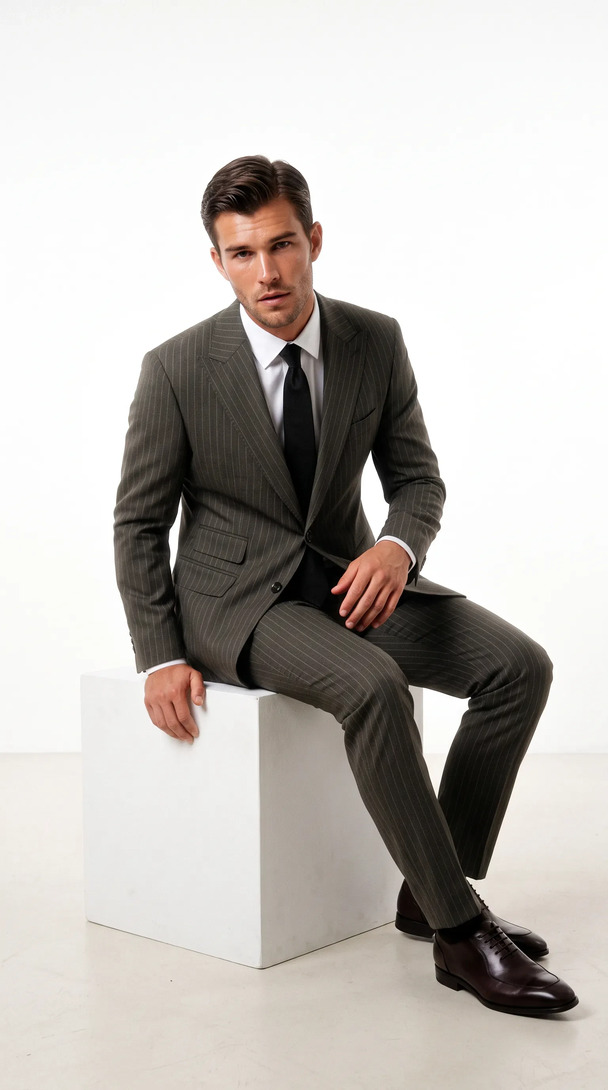
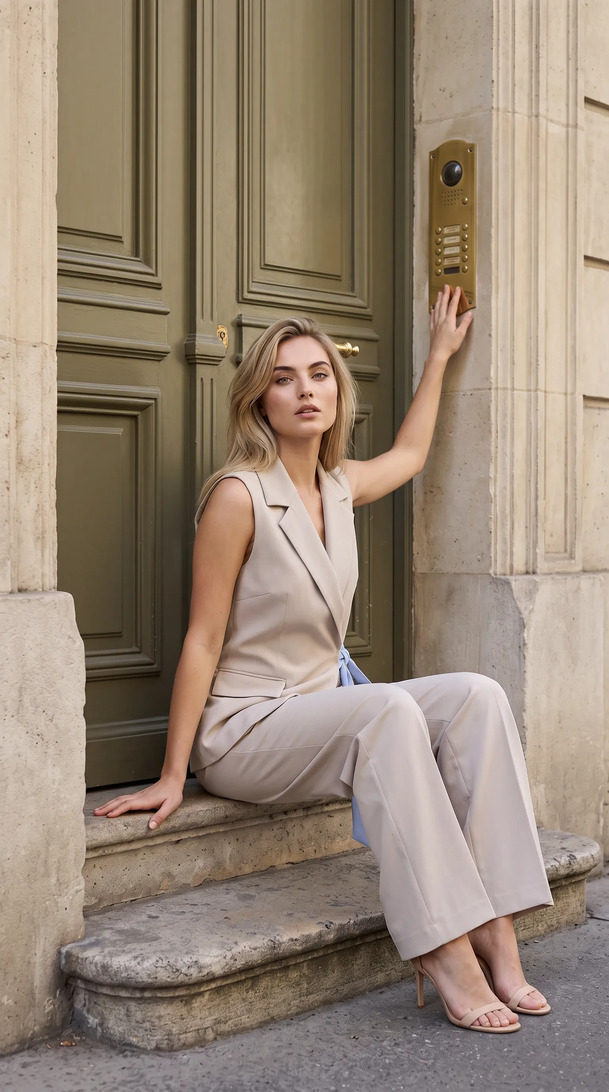
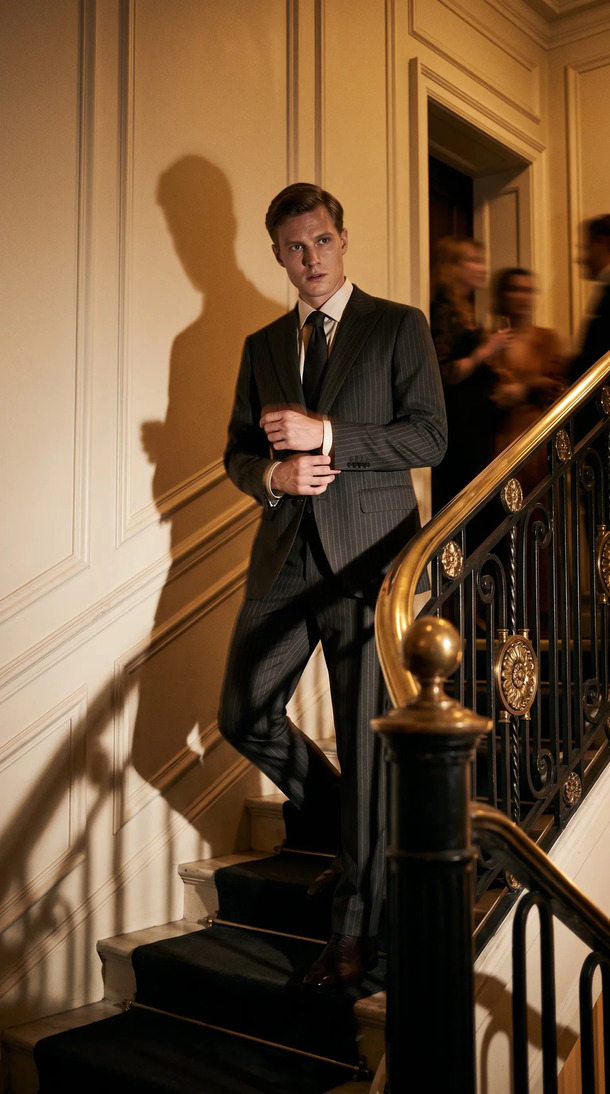
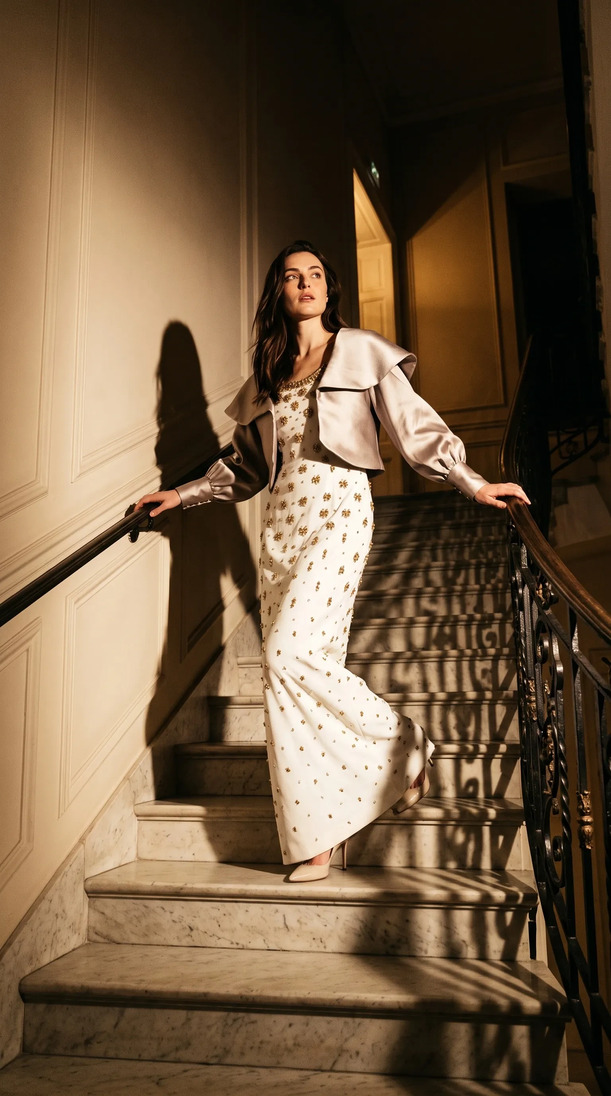
On-model. A human model wears the garment. This is the highest-converting format for apparel. Shoppers see fit across body proportions, understand scale, and connect emotionally. Every major fashion retailer defaults to on-model for hero imagery. The catch: model fees, stylist fees, studio time, and photographer day rates stack up fast.
The right choice depends on SKU type, budget, and channel. For most fashion brands, on-model is the answer for hero shots, and flat lay fills the secondary role.
Background, Lighting, and Gear Basics
Background
White is the retail standard for marketplace listings (Amazon, Trendyol, Zalando all require clean white or light grey). Lifestyle backgrounds work for brand editorial but not for product feeds. Keep your background consistent across your catalog or SKUs look like they belong to different brands.
Lighting
Natural light from a large north-facing window works for small runs. For full catalog work, you need at least two softbox lights: a key light at roughly 45 degrees and a fill light opposite to reduce shadows. Side lighting reveals texture; front lighting flattens it. For garments with embroidery, beading, or raised print, side lighting is essential.
Gear
A DSLR or mirrorless camera with a 50mm or 85mm prime lens handles most clothing work cleanly. Shoot tethered to a laptop so you catch focus problems in the moment, not in post. A tripod is not optional if you want consistent framing across a catalog.
The Most Common Mistakes (and How to Fix Them)
Wrinkled fabric. Steam every garment before it goes on set. Not iron, steam. An iron can leave marks or alter the fabric's hand. A steamer takes two minutes per piece and shows up in the final image.
Inconsistent framing. If your model shifts between shots, your product grid looks chaotic. Use painter's tape on the floor to lock model position and tape marks on the wall to anchor camera height.
Mixed color temperatures. Daylight and tungsten in the same shot creates orange/blue casts that no amount of post-processing fully fixes. Pick one light source and commit to it.
Clipping on whites. Overexposing a white background causes the garment's lightest tones to blow out. Expose for the garment, not the background, and fix the background in post.
Ignoring secondary angles. Shoppers expect a front view, back view, and at least one detail shot. Brands that only provide a single front image see higher return rates because buyers feel uncertain about the product.
10 Most Common Clothing Photography Mistakes That Kill Conversions
- Wrinkled garments (no steaming): Visible creases signal low production quality and distract from the garment's design.
- Inconsistent backgrounds across SKUs: Mixed backgrounds make your product grid look like a jumble sale rather than a curated collection.
- Mixed light sources creating color casts: Combining daylight with tungsten or LED creates orange and blue shifts that post-production cannot fully correct.
- Wrong camera angle (not perpendicular for flat lay): Any tilt from directly overhead introduces perspective distortion that warps the garment's proportions.
- No size reference for fit context: Without a model or scale reference, shoppers cannot judge how a garment will fit their own body.
- Over-edited colors that don't match the product: Color grading that strays from the actual garment creates return-driving surprises at the door.
- Only one angle per product: A single front image leaves buyers guessing about the back, neckline, sleeve length, and construction details.
- Poor contrast between product and background: Dark garments on white backgrounds and white garments on light backgrounds both lose definition at the edges.
- No lifestyle or on-model variant: Pack-only shots work for wholesale; consumer-facing listings need on-model imagery to compete. 95.6% of top fashion e-commerce brands use on-model photography.
- Inconsistent crop sizing across catalog: When hero images are cropped differently per SKU, the product grid looks unplanned and reduces perceived brand authority.
Generate your first on-model image today. Plans start at $19/mo. View pricing
When the AI Shortcut Makes Sense
Studio shoots work. They are also expensive, slow, and operationally complex. A single shoot day for a 50-piece collection can cost several thousand dollars by the time you add model fees, studio rental, photographer, styling, and editing. Then something changes: a colorway gets added late, a size sample arrives after the shoot, a retailer asks for a different aspect ratio.
AI clothing photography removes all of that overhead. You upload a flat lay or packshot. The platform handles the rest: placing the garment on a model, matching lighting, adjusting drape, and exporting in every ratio your channels need.
The shortcut makes sense when:
- Your catalog is large (20+ SKUs per drop) and shoot costs compound fast
- You operate with a small team without in-house studio capability
- You need to move faster than a shoot schedule allows
- You want to test colorways or styles before committing to inventory
How Kayrae Turns a Clothing Flat Lay into On-Model Imagery
Kayrae is built for exactly this problem. Kayrae generates studio-grade on-model clothing imagery 40x faster than a traditional shoot. Upload a flat lay, choose from 140+ diverse AI models across body types, poses, and skin tones, and get back studio-grade on-model imagery in seconds. No prompts to write. No shoot day to coordinate.
The platform maintains brand kit consistency across every drop: same palette, same model identity across scenes, same visual language from your first collection to your latest. When a client like Norda Tekstil says "whole catalog ships in a day, every model looks real," that is the operational reality Kayrae makes possible.
Across the platform, brands have generated 48,000+ on-model images to date, with average delivery in roughly 30 seconds per garment.
You get auto-exports in every ratio needed for Trendyol, Shopify, Meta, TikTok, and Instagram. One line of text edits a frame ("remove the necklace," two seconds). Video generation turns stills into 5 to 15 second social clips without a separate production step.
Pricing starts at $19/month (Starter), with Pro from $43/month as the most popular plan for growing brands, Studio from $80/month for high-volume catalog work, and Enterprise pricing for agencies and retailers with custom needs. See full pricing.
Sources
- On-model imagery converts 20-30% higher than flat lay (Pixelphant, 2024)
- 95.6% of top fashion brands use on-model photography (Pixelphant, 2024)
About Kayrae
Kayrae is an AI on-model product photography and video platform for fashion and e-commerce brands. The platform generates studio-grade on-model imagery from flat lay uploads in seconds, with 140+ AI models, brand kit consistency, identity lock, video generation (5-15s social clips), and auto-export for Shopify, Trendyol, Meta, TikTok, and Instagram.
- Platform: kayrae.ai
- Product: kayrae.ai/products
- Pricing: kayrae.ai/pricing (Starter $19/mo, Pro from $43/mo, Studio from $80/mo, Enterprise custom)
- Founder: Can Bayrak
FAQ
What is the best background for clothing photography? White or very light grey is the standard for marketplace channels (Amazon, Trendyol, Zalando). It keeps the focus on the garment and meets most retailer technical requirements. For brand editorial work, textured or lifestyle backgrounds add context, but they should be consistent across your catalog to maintain a professional look.
Do I need a professional camera for clothing photography? A modern smartphone with a wide aperture camera can produce acceptable results for early-stage brands. However, for catalog work or marketplace listings, a mirrorless or DSLR camera with a prime lens gives you the control over depth of field and color accuracy that professional imagery requires. Consistency and lighting matter more than the camera body.
How do I photograph dark-colored clothing? Dark garments absorb light and can lose detail against a white background. Use a grey or mid-tone background instead, and add a subtle back light or reflector to separate the garment from the background. Expose for shadow detail, not highlights, and recover highlights in post if needed.
Is AI clothing photography good enough for major retailers? Yes, when the platform is built for fashion e-commerce. Kayrae produces studio-grade on-model imagery that meets the technical specs for Trendyol, Shopify, and Meta. Kingbrich cut imagery costs by 70% using Kayrae's AI on-model shots while maintaining the quality their retail channels required.
Ready to see what your flat lay becomes on-model? Book a demo and ship your next catalog without a shoot day.
Can Bayrak, Founder, Kayrae.ai