How to Photograph Clothing to Sell Online
By Can Bayrak, Founder, Kayrae.ai
See also: Ecommerce photography in 2026
To photograph clothing to sell online: prepare each garment by steaming, sizing correctly, and lint-rolling it. Choose a method (flat lay, hanging, or on-model). Set up a white or neutral background with diffused natural light or a softbox. Shoot from a consistent angle, then edit for brightness, color accuracy, and background cleanliness. For on-model results without a model or studio, AI platforms like Kayrae convert flat lays into studio-grade imagery in seconds.
TL;DR: How to Photograph Clothing to Sell Online
- Garment preparation (steaming, sizing, lint-rolling) matters more than camera gear.
- On-model is the highest-converting format: on-model images convert 20-30% higher than flat lay.
- A two-light softbox setup gives you the most consistent indoor results.
- Post-production should correct, not disguise: buyers who feel deceived return products.
- AI platforms like Kayrae let you produce on-model imagery from a flat lay without a shoot day.
You photographed the garment. You're still not selling it.
Product photography for clothing is the first and most brutally honest sales conversation your brand has. Buyers can't touch the fabric. They can't try the fit. Every decision they make is based entirely on what they see.
Poor lighting, wrinkled fabric, or an awkward mannequin shot doesn't just underperform. It actively convinces buyers to leave.
Here's a method that works, whether you're shooting with a DSLR, a smartphone, or skipping the shoot entirely.
Step 1: Prepare the Garment
The most common mistake in clothing photography isn't lighting. It's sending a wrinkled, lint-covered garment in front of a lens and assuming post-production will rescue it.
Before you shoot anything:
- Steam, don't iron. Ironing creates harsh creases and can damage delicate fabrics. A handheld steamer removes wrinkles while preserving the garment's drape. Work from top to bottom and let the fabric cool completely before shooting or dressing a model.
- Use the right size. If you're shooting on a mannequin or a model, the garment should fit that body properly. A top that's two sizes too large looks shapeless. Buyers can't visualize the fit, and they won't try to.
- Lint-roll everything. Do this last, after steaming and right before the shoot. Lint, pet hair, and loose threads become highly visible under photography lighting, especially on dark fabrics or knitwear.
- Check the details. Buttons should be fastened or deliberately open (make a choice). Zippers closed. Tags tucked or removed. Collars shaped.
Spending 10 minutes on preparation saves hours in retouching.
Step 2: Choose Your Photography Method
There are three standard methods for clothing photography, and each serves different contexts:
- Flat lay. The garment is laid on a flat surface and photographed from directly above. Fast, low-cost, and great for showing shape and print details. Works well for accessories, folded knitwear, and products where fit isn't the primary selling point. The limitation: flat lay doesn't communicate how a garment moves or fits on a body.
- Hanging. The garment hangs on a hanger or hook and is photographed against a background. Slightly better than flat lay for showing length and drape, but still lacks the context that on-model provides.
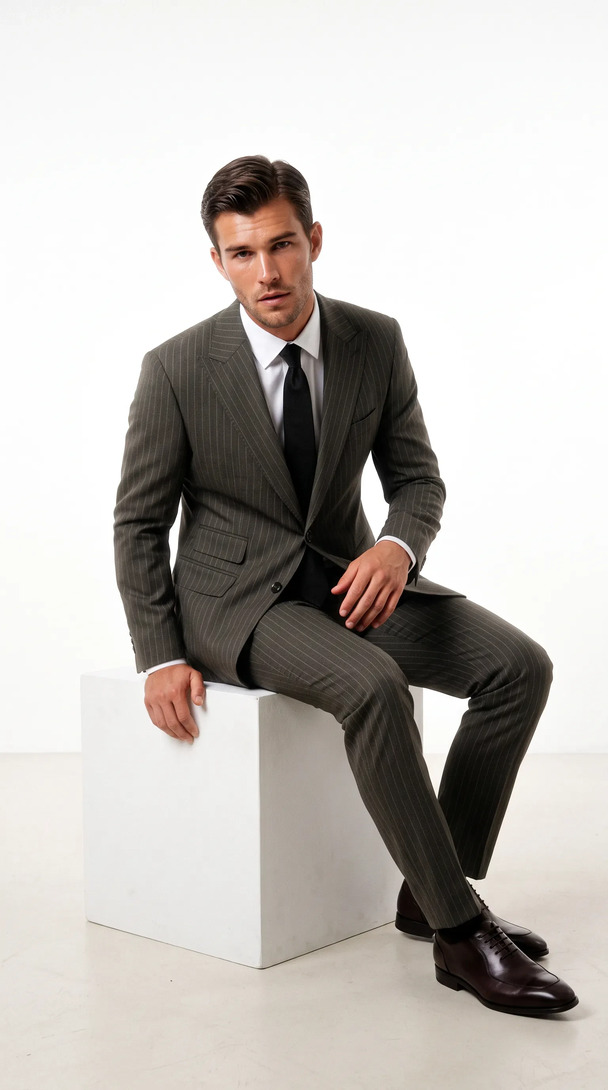
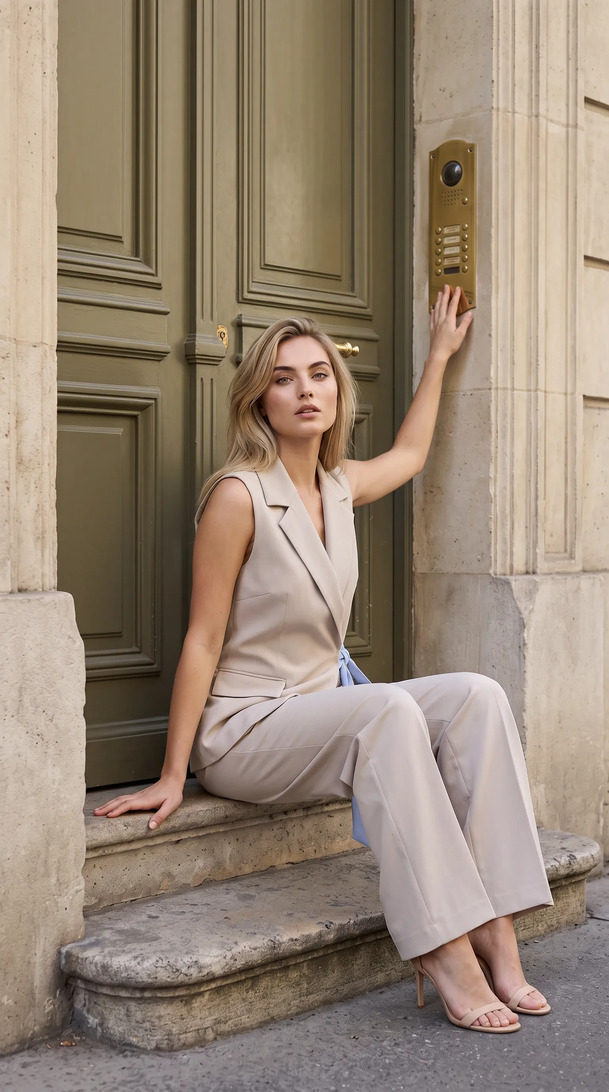
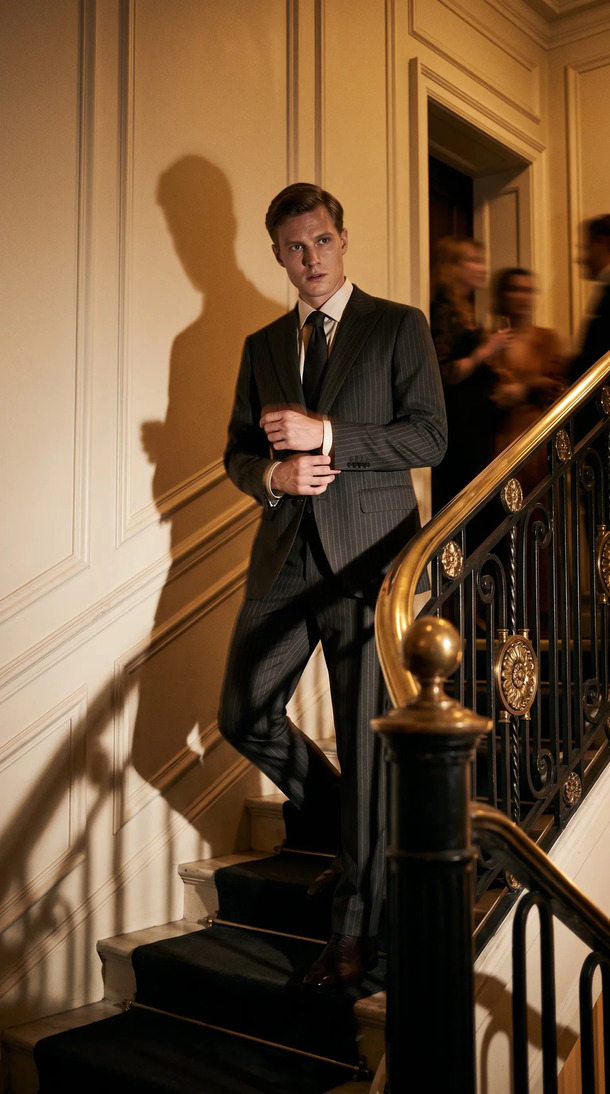
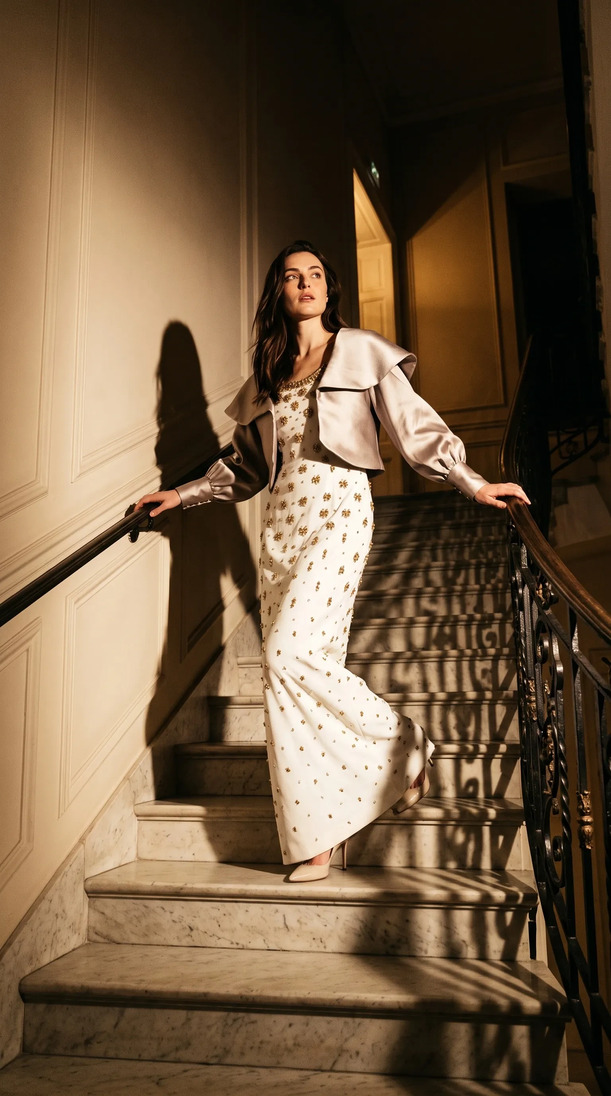
- On-model. A human model wears the garment and is photographed in a controlled environment. This is the highest-converting format for fashion ecommerce. Buyers see fit, proportion, how fabric falls, and how the garment looks as part of an outfit. The tradeoff: it requires booking a model, a photographer, a stylist, and a studio.
For most fashion sellers, the right answer is flat lay for speed and on-model for conversion. The question is how to get both without two separate production tracks.
Step 3: Set Up Your Background and Lighting
Background
A clean white background is the standard for marketplace listings (Shopify, Trendyol, Amazon). It creates consistency across your catalog and removes distraction. Use white seamless paper, a white foam board, or a clean white wall.
If you're shooting lifestyle, choose a surface or environment that matches your brand palette without competing with the product.
Lighting
Natural light works if you can control it. Shoot near a large north-facing window, with overcast days being preferable as they diffuse the light and eliminate harsh shadows. Avoid direct sunlight, which creates contrast that's difficult to control and blows out fabric detail.
For indoor shoots, a two-light softbox setup gives you the most consistency: one as a key light at 45 degrees, one as a fill at lower power on the opposite side. This eliminates the deep shadows that make garments look flat or shapeless.
Camera Settings
Shoot in Aperture Priority or manual. For flat lay, f/8 at 100 ISO keeps the full garment in focus. For on-model, f/2.8 to f/4 creates separation between the subject and background while keeping the garment sharp.
Generate your first on-model image today. Plans start at $19/mo. View pricing
Step 4: Shoot and Edit
Shoot tethered if possible so you can review images on a larger screen. Capture multiple angles: front, back, and any detail shots (pockets, embroidery, texture). For on-model, include a full-length, a three-quarter, and at least one close-up detail.
In post-production (Lightroom, Capture One, or even Snapseed for mobile), focus on:
- Correcting white balance so fabric colors are accurate
- Lifting shadows under collar, arms, or hem
- Cleaning the background (Photoshop's Remove Background or similar)
- Exporting at the correct ratios for each channel (1:1 for Shopify, 9:16 for Instagram Stories)
Don't over-edit. Buyers who feel deceived by retouched imagery return products. The goal is accurate, flattering, and clean.
Step 5: The AI Shortcut (Skip the Shoot for On-Model Results)
Here's where the method changes completely.
If you already have a flat lay or packshot, you don't need a studio to get on-model imagery. Kayrae takes your flat lay and outputs studio-grade on-model shots without a shoot day, a model booking, or a photographer. Upload the product, Kayrae handles the rest. No prompt wrangling.
The platform carries 140+ AI models across body types, poses, and skin tones. Brand kit consistency is maintained across every drop: same palette, same model identity, same visual language. Edits happen in one line ("remove the necklace," done in 2 seconds). Auto-export covers every ratio your channels need, from Trendyol to TikTok.
For brands producing at volume, that's 40x faster than a studio shoot at roughly a third of the cost. Norda Tekstil ships whole catalogs in a day. Kingbrich cut imagery costs by 70%. Orchard & Co. replaced a three-person content team and a studio day.
Across the platform, brands have generated 48,000+ on-model images to date, with average delivery in roughly 30 seconds per garment.
Plans start at $19/mo (Starter), with Pro from $43/mo being the most-picked tier for growing brands. Studio from $80/mo serves agencies and larger catalogs. Enterprise pricing is custom. See full pricing.
Sources
- On-model imagery converts 20-30% higher than flat lay (Pixelphant, 2024)
About Kayrae
Kayrae is an AI on-model product photography and video platform for fashion and e-commerce brands. The platform generates studio-grade on-model imagery from flat lay uploads in seconds, with 140+ AI models, brand kit consistency, identity lock, video generation (5-15s social clips), and auto-export for Shopify, Trendyol, Meta, TikTok, and Instagram.
- Platform: kayrae.ai
- Product: kayrae.ai/products
- Pricing: kayrae.ai/pricing (Starter $19/mo, Pro from $43/mo, Studio from $80/mo, Enterprise custom)
- Founder: Can Bayrak
FAQ
What's the best way to photograph dark-colored clothing without losing detail? Use two light sources rather than one. A key light at 45 degrees and a fill light on the opposite side prevents harsh shadows that make dark garments look flat. Slightly overexpose in-camera (by half a stop) and recover highlights in post. Avoid black backgrounds, which eliminate the garment's edges entirely.
Do I need a professional camera to photograph clothing to sell online? No. A modern smartphone (iPhone 14 or later, Samsung S22 or later) produces sufficient resolution for most ecommerce platforms. What matters more than camera quality is lighting, background cleanliness, and garment preparation. A well-lit flat lay on a white background shot on a phone outperforms a poorly lit shot from a DSLR.
How many photos do I need per clothing item? Most ecommerce platforms perform best with 4-6 images per SKU: front on-model or flat lay, back, a detail shot (texture, closure, label), and at least one styled or lifestyle image. Shopify data consistently shows that listings with more than 3 images convert higher than those with 1-2.
Can AI replace a clothing photoshoot entirely? For on-model ecommerce imagery, yes. AI platforms take your flat lay or packshot and produce studio-grade on-model results without a model, photographer, or studio. This doesn't apply to highly bespoke editorial or campaign photography where art direction requires a human shoot, but for catalog-scale ecommerce imagery, AI is the faster and cheaper path.
Ready to skip the shoot day and get on-model imagery from your flat lays? Book a demo with Kayrae.