Mannequin to Model AI: How the Transform Works
See also: Flat lay photography: the complete guide Related: AI mannequin: turn mannequin and flat lay shots into on-model
TL;DR: Mannequin to Model AI
- Mannequin-to-model AI takes a mannequin or flat lay photo and outputs a photorealistic on-model image, fully automated.
- Traditional ghost mannequin post-production runs 15-45 minutes per SKU; AI collapses that to seconds.
- Fashion return rates average 30-40% for online apparel, and on-model imagery reduces returns by helping shoppers understand fit before buying.
- Quality differences between tools come down to fabric simulation depth, anatomy accuracy, and lighting coherence.
- Kayrae handles the full transform at catalog scale with identity lock and brand kit applied automatically.
What Mannequin-to-Model AI Is and How It Works
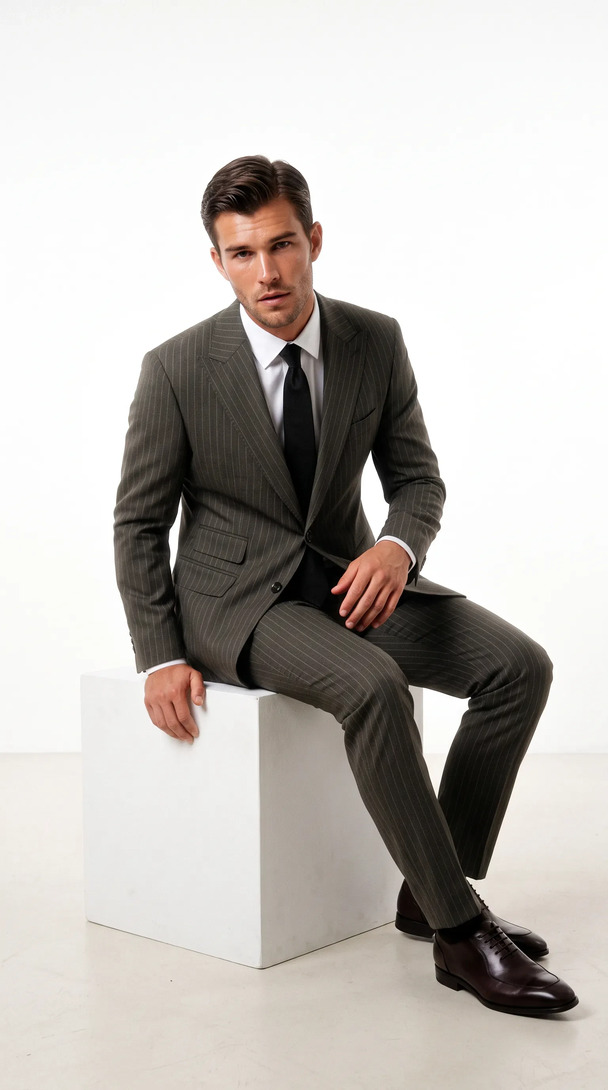
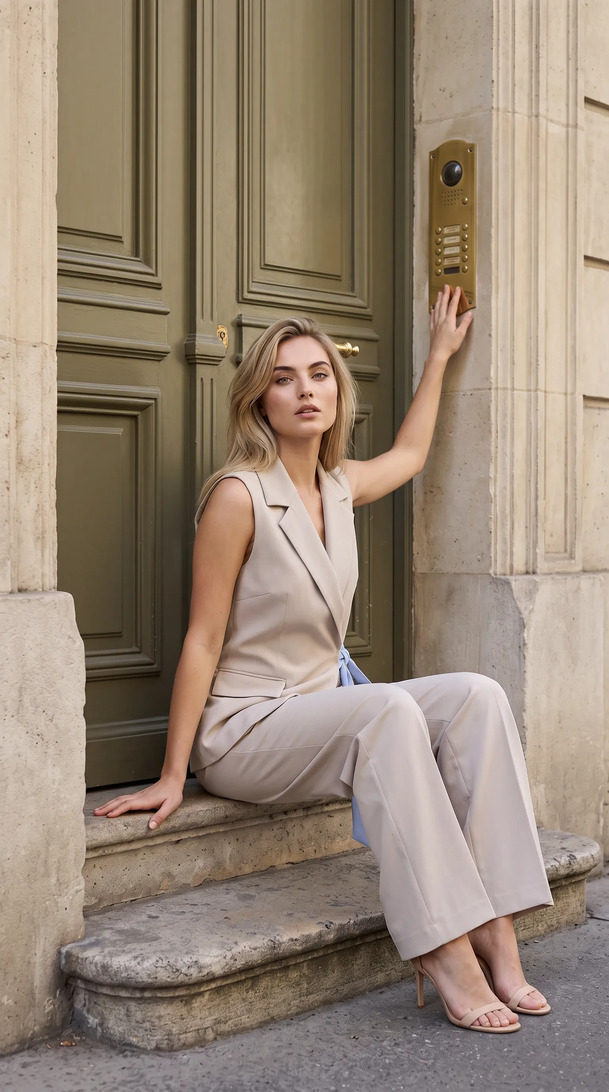
Mannequin-to-model AI is a class of generative image software that takes a photograph of a garment on a physical mannequin (including ghost or invisible mannequin shots) and outputs a photorealistic image of that garment worn by a human AI model. The process is fully automated: the AI segments the garment from the mannequin, analyzes garment geometry and fabric properties, and renders the garment onto a selected model with realistic fabric drape, body proportioning, and lighting.
No manual masking. No retouching. No shoot day.
The Mannequin Photography Workflow It Replaces
To understand why this technology matters, it helps to be honest about what the mannequin workflow actually costs.
A standard mannequin photography setup requires a physical mannequin (often multiple body forms for different garment categories), a camera rig, lighting, a consistent background, and a process for styling each garment onto the form. Shoot time per SKU ranges from five to twenty minutes depending on garment complexity and team experience.
Then comes post-production. Ghost mannequin (invisible mannequin) finishing requires:
- Opening every image in Photoshop
- Masking out the mannequin
- Filling the interior of the garment with texture or solid color
- Checking every edge for artifacts
- Exporting at the correct specifications for each platform
Per-image post time is fifteen to forty-five minutes for a competent retoucher. For a 100-SKU catalog, that's a conservative thirty to seventy-five hours of post-production work, before the images are even on a model. And they're still not on a model: ghost mannequin output is a floating garment, not a dressed human.
Mannequin-to-model AI collapses that entire chain. The mannequin shot (or flat lay) goes in. The on-model image comes out. The post-production queue disappears.
How the AI Transform Works Step by Step
Step 1: Input ingestion and garment segmentation. The platform receives the mannequin shot and identifies the garment's boundaries, separating it from the background and the mannequin body beneath it. Modern segmentation models handle complex edge cases: lace, sheer fabric overlaps, logos, and textured surfaces are all identified accurately without manual masking.
Step 2: Garment geometry extraction. The AI maps the garment's three-dimensional structure from the two-dimensional input. It identifies category (jacket, dress, trousers, shirt), silhouette shape, construction details (collar type, sleeve length, button placement, hemline), and fabric weight signals inferred from visual texture and drape in the mannequin shot.
Step 3: Model selection and pose assignment. The brand selects a target AI model from the available library. Body type, height, pose, and skin tone are all selectable parameters. The AI scales the garment to the model's proportions and assigns garment-to-body anchor points (shoulder seams to shoulder width, waist suppression to waist measurement, hem length to torso length).
Step 4: Fabric drape simulation. This is the technically complex step that separates high-quality mannequin-to-model AI from lower-quality implementations. The AI simulates how the garment's fabric would physically interact with the model's body in the chosen pose. Weight, stiffness, stretch, and layering logic all inform where the fabric falls, where it creases, and where it clings. A stiff canvas jacket drapes differently from a fluid silk blouse, and the AI must handle both accurately.
Step 5: Scene rendering and lighting. The model and garment are rendered in a scene: solid background, gradient, or contextual environment. Lighting is applied to match either the lighting conditions of the original mannequin shot or a brand-specified lighting preset. Skin tone rendering, hair physics, and accessory simulation (where applicable) are all handled in this stage.
Step 6: Export. The finished image is exported at the requested resolution and ratio. Platforms like Kayrae handle multi-ratio auto-export simultaneously: 1:1, 9:16, 16:9, and platform-specific crops for Shopify, Trendyol, Meta, TikTok, and Instagram, all from a single generation.
Generate your first on-model image today. Plans start at $19/mo. View pricing
Quality Factors: What Makes the Transform Realistic
Not all mannequin-to-model AI produces the same output quality. The factors that separate realistic results from uncanny valley outputs are:
Training data specificity. Models trained specifically on fashion photography understand garment categories, fit conventions, and styling logic better than general-purpose image AI. A fashion-specific model knows that a blazer's shoulder seam sits at a specific anatomical point; a general model may approximate this incorrectly.
Fabric simulation depth. Surface-level drape simulation produces garments that look "pasted on." Deep fabric physics simulation produces garments that look worn. The difference is visible immediately in real-world testing.
Anatomy accuracy. The AI model's underlying body geometry needs to be anatomically accurate and consistent across poses. Inconsistent anatomy (hands that shift size between scenes, shoulders that don't align with the garment's shoulder seams) is the most common failure mode in lower-quality tools.
Lighting coherence. The light on the garment and the light on the model need to read as the same light source. Mismatched lighting is an immediate realism breaker.
Use Cases: Which Garment Types Work Best
Mannequin-to-model AI performs best on:
- Structured outerwear (jackets, coats, blazers): clear silhouette from the mannequin shot, predictable drape.
- Dresses and skirts: fluid drape simulation is well-developed; hemline movement reads naturally.
- Fitted knitwear: close-fit categories benefit from body-proportioned scaling.
- Trousers and bottoms: flat front and back shots from a mannequin provide sufficient geometry.
More challenging categories (where extra attention to input quality pays off):
- Sheer and layered fabrics: transparency simulation requires accurate multi-layer input.
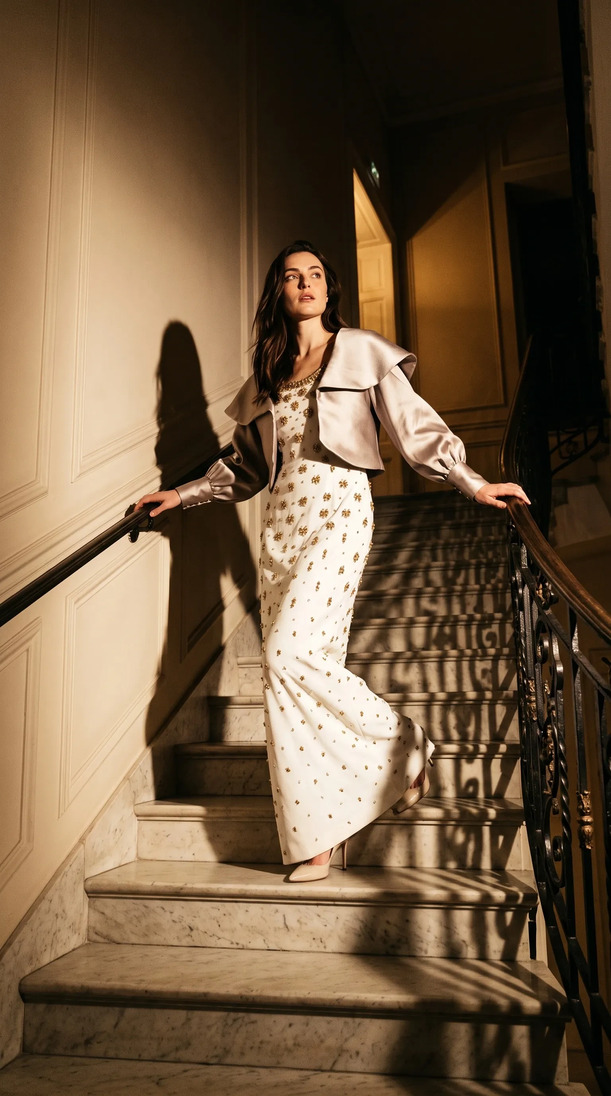
- Heavily embellished pieces: sequins, beading, and 3D embroidery require high-resolution input photography.
- Loose or oversized silhouettes: the AI has more freedom in drape interpretation; results vary more widely and may need pose selection to match the garment's intended styling.
How Kayrae Handles the Transform
Kayrae on-model generation is built specifically for apparel brands running catalog-scale production. The mannequin-to-model workflow is a core use case: flat lay or mannequin shot in, studio-grade on-model image out, in seconds, 40x faster than a traditional shoot.
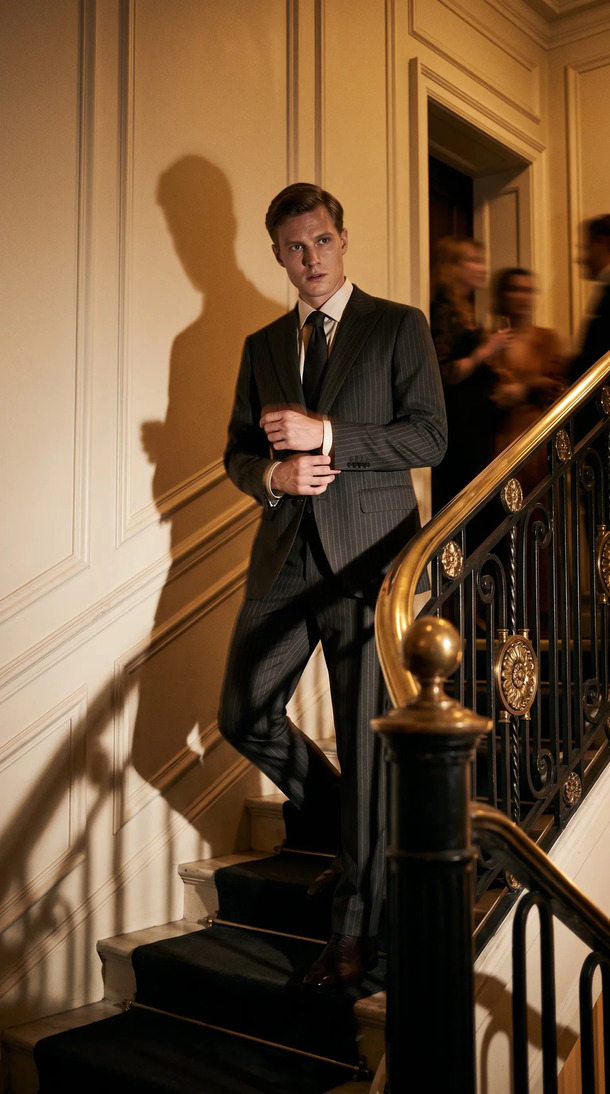
The model library covers 140 or more AI models with genuine diversity across body type, pose, skin tone, and height. Identity lock keeps the same model consistent across a full collection, which is critical for lookbook production and editorial drops. Brand kit (palette, shoot history, product references) is applied at the account level, so every generated image is automatically on-brand.
Canvas edits are one-line prompts. Change a background, remove a styling element, shift the lighting: each edit takes two seconds. Variants branch from the same session, so you can generate three poses of the same garment and compare them without starting over.
Norda Tekstil ships a whole catalog in a day. Orchard and Co. replaced a three-person content team and a studio day. The mannequin-to-model transform isn't a side feature; it's the operational center of how brands move from physical samples to live product imagery without a shoot day in between.
Across the platform, brands have generated 48,000+ on-model images to date, with average delivery in roughly 30 seconds per garment.
And the business case is clear: fashion return rates average 30-40% for online apparel, and on-model imagery helps reduce that by giving shoppers a real body reference for fit before they buy.
Pricing starts at Starter $19/mo for brands getting started. Pro from $43/mo is the most picked plan for brands with regular catalog needs. Studio from $80/mo handles high-volume operations. Enterprise pricing is available for larger teams. See full pricing.
Sources
- Fashion return rates average 30-40% (Opensend)
About Kayrae
Kayrae is an AI on-model product photography and video platform for fashion and e-commerce brands. The platform generates studio-grade on-model imagery from flat lay uploads in seconds, with 140+ AI models, brand kit consistency, identity lock, video generation (5-15s social clips), and auto-export for Shopify, Trendyol, Meta, TikTok, and Instagram.
- Platform: kayrae.ai
- Product: kayrae.ai/products
- Pricing: kayrae.ai/pricing (Starter $19/mo, Pro from $43/mo, Studio from $80/mo, Enterprise custom)
- Founder: Can Bayrak
FAQ
How accurate is mannequin-to-model AI for capturing garment details like buttons and stitching? Accuracy depends on input image quality. A high-resolution mannequin shot (at least 1,500px on the short side, sharp focus, even lighting) gives the AI enough data to reproduce fine details like button placement, stitch patterns, and seam lines accurately. Low-resolution or poorly lit inputs produce softer detail reproduction.
Do I need to remove the mannequin from the photo before uploading? No. Mannequin-to-model AI platforms, including Kayrae, handle mannequin removal as part of the segmentation step. Upload the mannequin shot as-is. The platform extracts the garment automatically.
Can mannequin-to-model AI handle plus-size and extended-size modeling? Yes, with the right platform. Kayrae's 140+ model library includes plus-size and extended-size body representations with accurate proportional scaling for each garment category. Body-type diversity is a deliberate design requirement, not an afterthought.
Is the output from mannequin-to-model AI usable for major marketplace listings like Amazon or Trendyol? Yes. Kayrae's auto-export produces files at the pixel dimensions and ratio specifications required by major marketplaces. The imagery meets the realism and background standards for Trendyol, Amazon, Shopify, and Meta. Brands already use Kayrae-generated imagery live on these platforms.
Upload your mannequin shots and watch them become on-model imagery in seconds. No post-production. No shoot day.Book a demo and run your first transform today.
Can Bayrak, Founder, Kayrae.ai